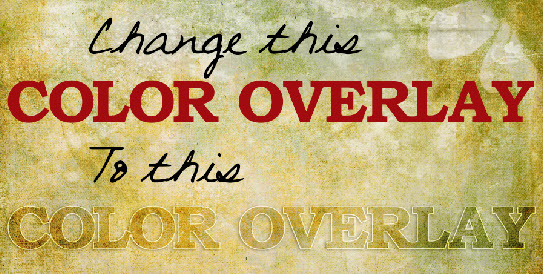
Would you like to change plain ordinary text into a cool Color Overlay Title in Photoshop Elements 14? I have a tutorial to show you how to do it. It’s called Styles 101: The Color Overlay. You can find it here. If you’d like to download a PDF of the tutorial, there is a link at the bottom of the tutorial page.
If you find the tutorial helpful please leave me a comment. Thanks for looking.
 ScraptiousDesigns
You are very welcome!
Thank you for doing this for Elements users!