New Releases at The Digichick September 22, 2016

Lots of lovely new releases at The Digichick this week!  Let me tell you, one of the hardest things about being on The Digichick creative team is that I can’t work with them all.  I worked with three of the new releases for September 22 and I was not disappointed.  Check them out.

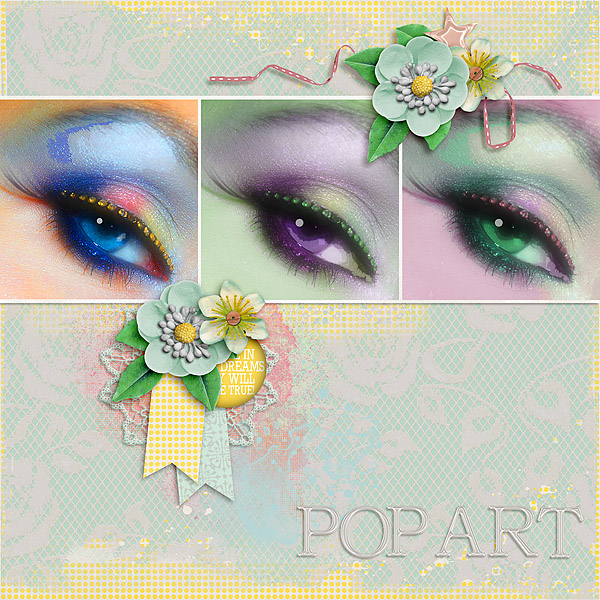
Layout #1  Karen at Snickerdoodle Designs out-did herself with You Are My Sunshine.  This kit is huge!!  It’s filled with beautiful flowers, elements, papers, and so much more.
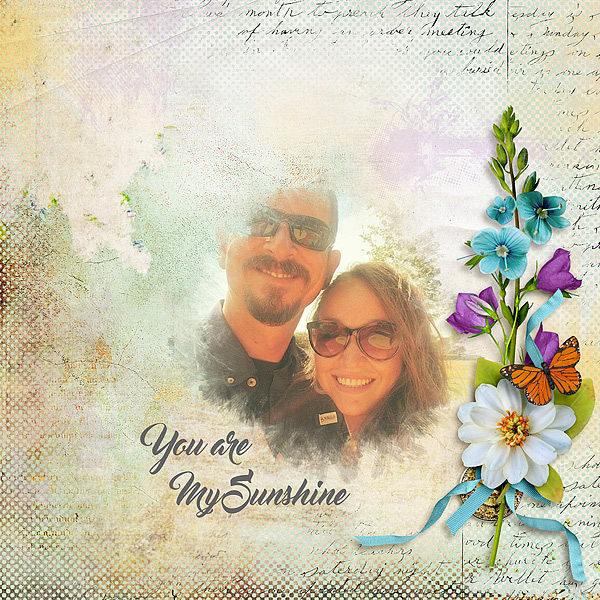
Kit: You Are my Sunshine Designer: Snickerdoodle DesignsFont: Master Of Break Regular

Kit: You Are my Sunshine
Designer: Snickerdoodle DesignsFont: Master Of Break Regular


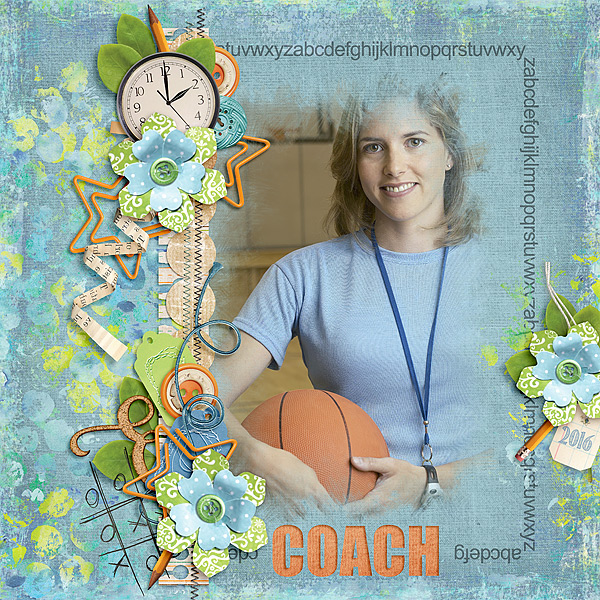
Layout #2  I had to create a page using Country Harvest from Alexis Design Studio.  One of the things I love most about North Carolina in the Fall is the glorious colors.  This kit is perfect.
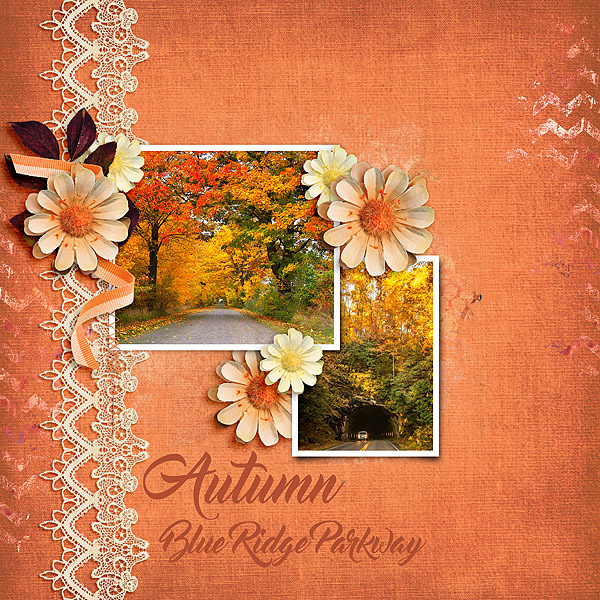
Kit: Country Harvest Designer: Alexis Design Studio Font: Master Of Break Regular

Kit: Country Harvest
Designer: Alexis Design Studio
Font: Master Of Break Regular

Layout #3  Created by Jill’s new kit Simplicity is far from simple.  I love the colors and the elements are gorgeous.  I think it’s perfect for old family photos like this one of my uncle and cousin.

Kit: Simplicity Designer: Created by Jill Edges: Today I Feel Happy Edges Designer: Created by Jill Font: DJB Elliephont Regular
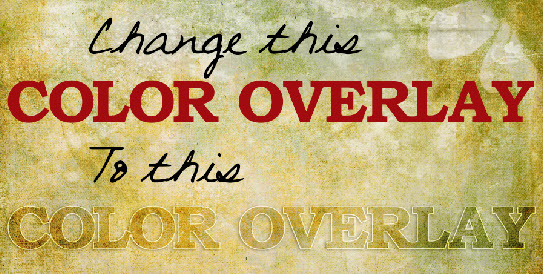


How to Make a Cool Title Using Color Overlay in PSE14

Would you like to change plain ordinary text into a cool Color Overlay Title in Photoshop Elements 14?  I have a tutorial to show you how to do it.  It’s called Styles 101: The Color Overlay.  You can find it here.  If you’d like to download a PDF of the tutorial, there is a link at the bottom of the tutorial page.

title1b

If you find the tutorial helpful please leave me a comment.  Thanks for looking.


New Release at The Digichick September 15, 2016

Wow!  What a bevy of beautiful new releases this week at The Digichick.  I got to play with several new kits and I love the colors.  Red is a common thread in each of the kits I used and let me tell you, I love red!

Layout #1 What If You Fly from On A Whimsical Adventure was the first to catch my eye.  The theme of the kit speaks to my soul.  Fear of failure has kept me from doing a lot of things I want to do.   This layout is the first page of what I’m calling, My Flybook.

Kit: What If You Fly Designer: On A Whimsical Adventure Designer: On A Whimsical Adventure Title Font: TXT Abrasive Regular Text Font: Coco

Kit: What If You Fly
Designer: On A Whimsical Adventure
Title Font: TXT Abrasive Regular
Text Font: Coco

Layout #2 Pet Story from Sherwood Studio is a fabulous pet themed kit.  It includes a lot of different types of pets and the colors are beautiful.

Kit: Pet Story Designer: Sherwood Studio

Kit: Pet Story
Designer: Sherwood Studio

Layout #3 Oh my gracious!  Don’t you just love the colors in What’s Cookin’? by Kimeric Kreations.  You’ll also find loads of retro elements in this kit.

Kit: What's Cookin'? Designer: Kimeric Kreations

Kit: What’s Cookin’?
Designer: Kimeric Kreations

Layout #4  Sweet Connections by Alexis Design Studio is sweet indeed.  This kit is perfect for this photo of me, my parents, one of my brothers and my sweet German Shepard, Liebchen. Liebchen means sweetheart in german and oh what a sweet girl she was.  I still miss her.

Kit: Sweet Connections Designer: Alexis Design Studio

Kit: Sweet Connections
Designer: Alexis Design Studio

New Releases at The Digichick September 8, 2016

I didn’t get to play with many of the new releases at The Digichick this week, sometimes life just gets in the way.  My husband had to have a heart procedure so I’ve been busy with him. I did get to play with Sherwood Studio’s new release Western Wonder Add-On and Western Wonder kit.

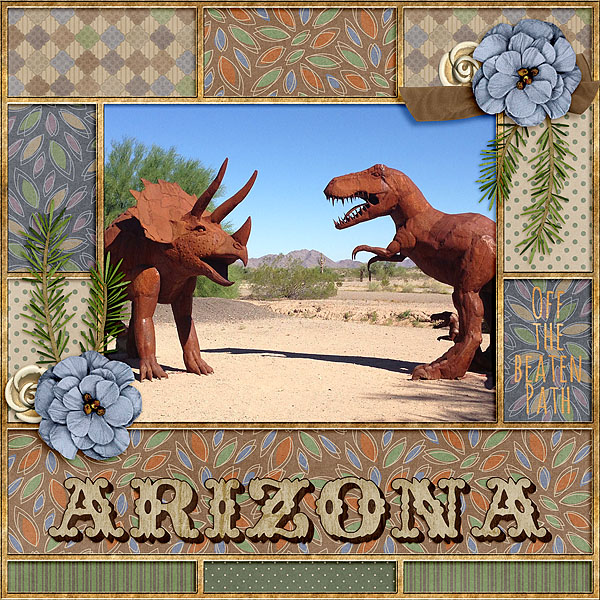
I took the photo at a rest stop in Arizona a couple of years ago and I’ve been waiting for the perfect kit to make a layout.  The colors and style of this kit and add-on bundle were made for the photo.  I love the colors!  The papers are all from Western Wonder Add-on and the other elements are from both the previously released kit and the add-on.  Now that’s some Yard Art!

Western Wonder Add-On Kit: Western Wonder Bundle Designer: Sherwood Studio

Western Wonder Add-On
Kit: Western Wonder Bundle
Designer: Sherwood Studio

New Tutorial on How to Adjust the Stroke Effect of a PSE Style

Good morning!  I just posted a new tutorial, How to Adjust the Stroke Effect of a PSE Style.

Adjust Stroke Effect Cover

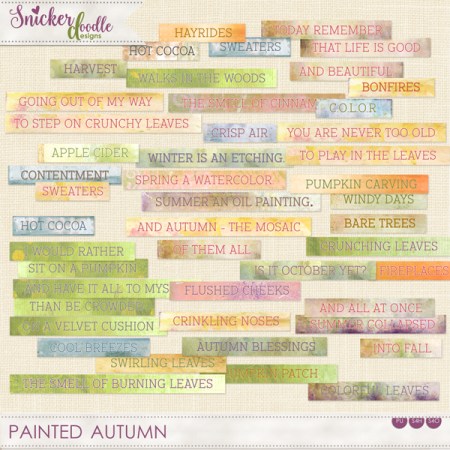
For this tutorial, I used the Painted Autumn Styles and Painted Autumn Word Strips from Snickerdoodle Designs new kit, Painted Autumn Collection, which released today.

Styles

Painted Autumn Word Strips

Let me warn you, I got a little carried away and included Loading Styles and some other tips for using these Styles.  I hope you find it helpful.

Karen at Snickerdoodle Designs has an excellent sister tutorial using Photoshop here.

New Releases at the Digichick 9/1/2016

There are so many new releases at The Digichick Thursday it’s amazing.  All the designers were super busy!  The Hatchery products all coordinate too so it’s a double whammy. I worked with five of the gorgeous new kits and I’m happy to share the layouts with you.

Layout #1 Autumn Serenade from Vero

Kit: Autumn Serenade Designer: Vero

Kit: Autumn Serenade
Designer: Vero

Layout #2 Autumn Mosaic from Sherwood Studio

Kit: Autumn Mosaic Designer: Sherwood Studio

Kit: Autumn Mosaic
Designer: Sherwood Studio

Layout #3 You’ve Got Class from Alexis Design Studio

Kit: You've Got Class Collection Designer: Alexis Design Studio

Kit: You’ve Got Class Collection
Designer: Alexis Design Studio

Layout #4 Daydream Believer from The Nifty Pixel

Kit: Daydream Believer Designer: The Nifty Pixel Pick Your Destiny Border Designer: The Nifty Pixel

Kit: Daydream Believer
Designer: The Nifty Pixel
Pick Your Destiny Border
Designer: The Nifty Pixel

Layout #5  The World is Your Oyster from Created by Jill

Kit: The World is Your Oyster Designer: Created by Jill Title Font: Impact Journal Font: DJB Elliephont Regular
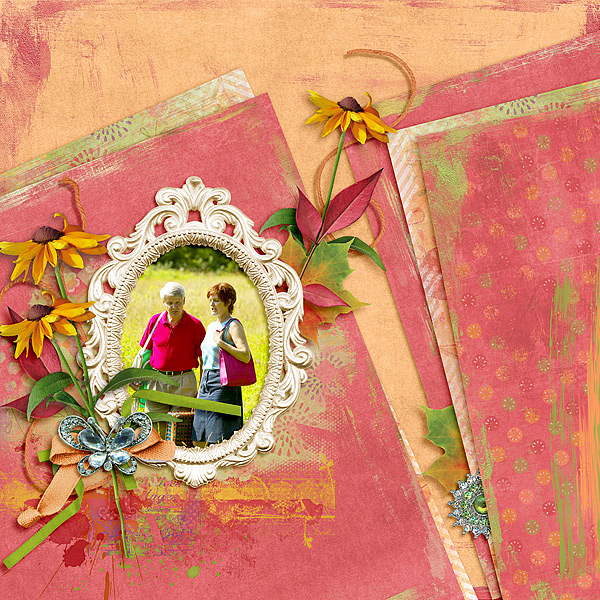
Kit: The World is Your Oyster
Designer: Created by Jill
Title Font: Impact
Journal Font: DJB Elliephont Regular

Working with Text in Photoshop Elements v14

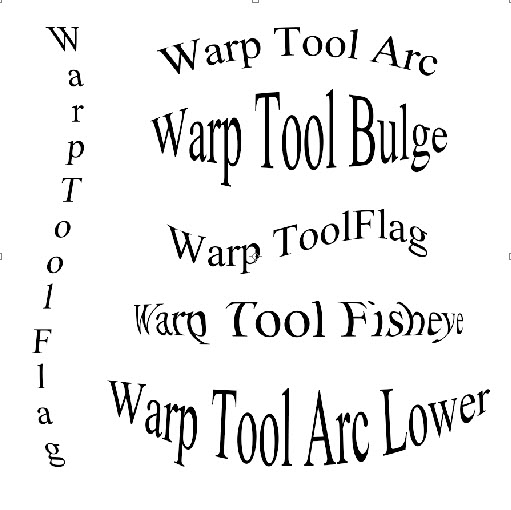
If you’d like to know more about adding text and text effects you’ll want to read the new tutorial posted today.  Learn to add text for titles and for journaling.  The examples below were made using the Warp Tool.

WarpTool

Learn how to do text cutouts or cut text out of patterns or papers to match your project.

Cutout

TextTool10

Patterned

TextTool10b

How about applying effects?  You can use Effect on text layers the same as other layers.

TextStyles

Check out the entire tutorial here.  You may also want to learn about adding a Stroke to your text on a separate layer.  You’ll find that Add Stroke (Outline) on a Separate Layer here.

If you use Photoshop instead of Photoshop Elements, Karen at Snickerdoodle Designs has an excellent tutorial How to Warp Text in Photoshop.

New Releases at The Digichick August 25, 2016

Wow, you’re going to love this week’s new releases at The Digichick!  I’ve been doing a lot of work behind the scenes trying to organize the site, delete some broken links and writing PSE tutorials.  Since I’ve been busy with all this I only got to play with a couple of the new releases but let me just tell you, they’re all fantastic.

I cannot believe we are at the end of August already and we’ve had rain & cooler temperatures for the last couple of weeks.  Cool and wet is unheard of in August in Texas, so we’re very thankful!  This year is flying by.

Today I have two layouts to share.  Remember, all the new releases are on sale until Sunday night.  So you have plenty of time to pick them up while they’re discounted.

Layout #1 is created using I Couldn’t Be Prouder by Created by Jill.  Jill’s kit always make it super easy to achieve an artsy look.


Kit: I Couldn't Be Prouder http://www.thedigichick.com/shop/I-Couldn-t-Be-Prouder-Fusion-Bundle.html Designer: Created by Jill

Kit: I Couldn’t Be Prouder
Designer: Created by Jill

Layout #2 Kickin’ It from The DigiCrafters has perfect colors for my granddaughter’s soccer team.  They made some super cute Journal Cards as well. It’s not always easy to find “girl” soccer colors & goodies.  I love this!

Kit & Journal Cards: Kickin' It Designer: The Digicrafters Font: Back to Black

Kit & Journal Cards: Kickin’ It
Designer: The Digicrafters
Font: Back to Black

Photoshop Elements v14 Tutorials

Many scrappers feel like the learning curve for Photoshop Elements (PSE) is just too great.  I know I felt like that too.  It’s very difficult to go from a program you’re very familiar with such as Paintshop Pro or My Memory Suite to PSE.  Everything is just so different.  It’s far easier to just stick with what you know.  It’s probably even more difficult if you’re totally new to digi scrapping and you are cutting your teeth on PSE.  It’s a big bite!

cartoon-718659_1280

I understand if that is how you feel but I hope to demystify PSE in a series of PSE tutorials. Many are up already and more are in the works.  I’m starting with the basics because that’s where you need to start.  It would be silly to try to teach complex tips and tricks first.  Everybody has to walk before they can run!  And because I’m a digi-scrapper too I know what you’re thinking…

kimeric_irbscrap_wordart

I would love to hear from you.  If you find the tuts helpful, please let me know.  If you have something you’d like to know how to do, please let me know.  Your feedback is essential for me to provide the lessons you want and need.

Please check out the PSE tutorials here.  Remember to check back often because I’m adding new tutorials all the time.

New Releases at The Digichick August 18, 2016

There are many gorgeous new releases this week at The Digichick.  I decided to work with Alexis Design Studio’s new kit, Antique Rose.  It is beautiful and perfect for heritage pages.

Layout #1 For this layout I used two masks around the photo to highlight it.  I also mitered the edges of the lace where they overlapped.

Rose_and_Elizabeth

Kit: Antique Rose  Designer: Alexis Design Studio Photo Masks: Lindsay Jane

Layout #2 This layout combines Alexis Design Studio’s  Antique Rose with Weeks of Our Year Masks 3 photo masks by JoCee Designs.

Weeks of Our Year Masks 3 Designer: JoCee Designs Kit: Antique Rose Designer: Alexis Design Studio

Weeks of Our Year Masks 3  Designer: JoCee Designs  Kit: Antique Rose  Designer: Alexis Design Studio