New Releases at The Digichick May 3, 2018

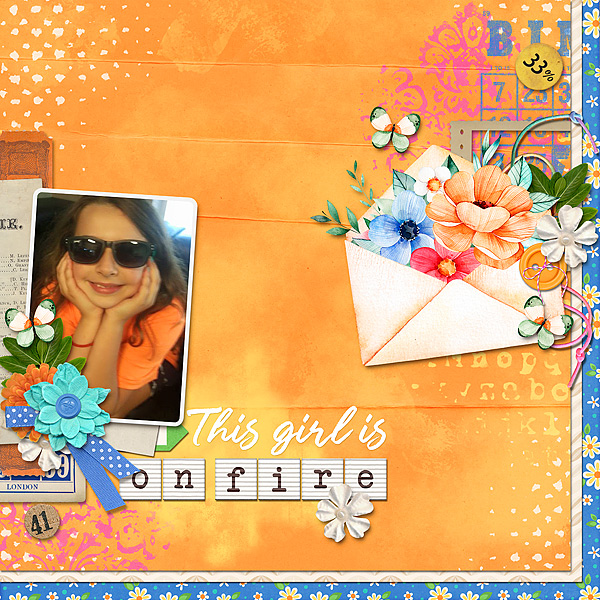
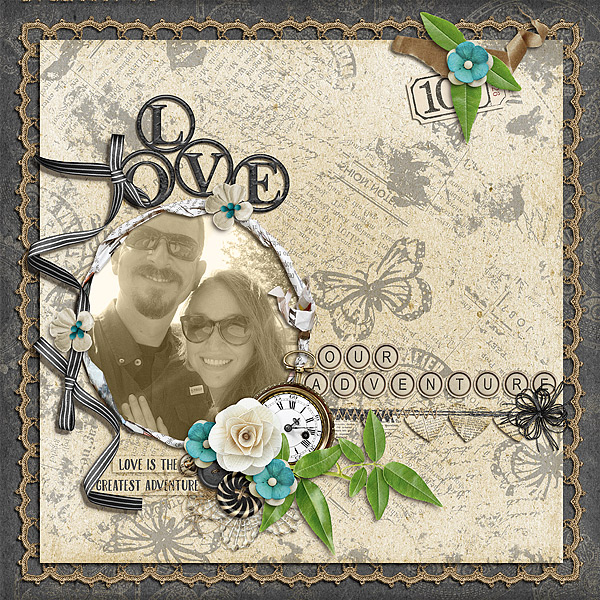
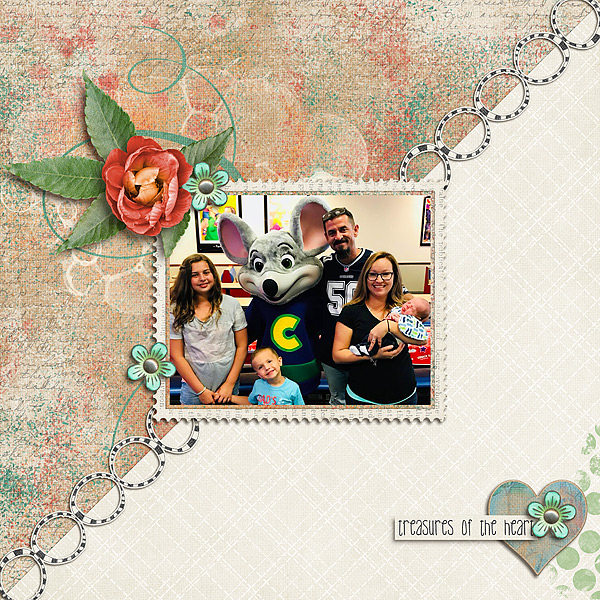
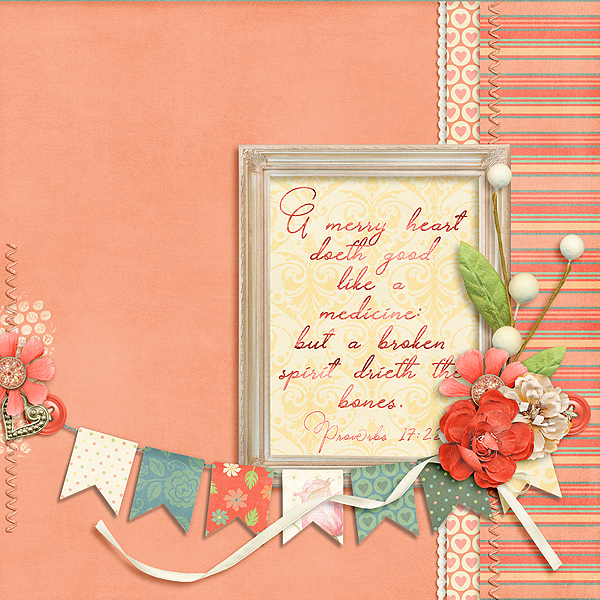
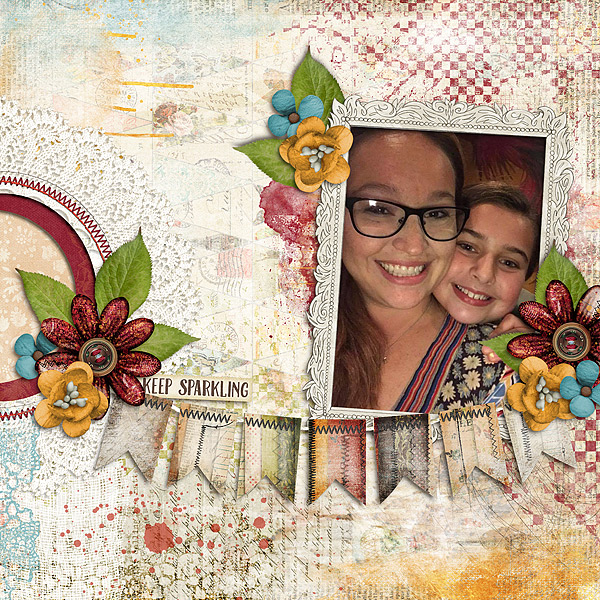
May is already upon us and that means it’s time for National Scrapbooking Day (NSD). There are a lot of challenges at The Digichick that you will definitely want to take part in so go check them out.  This week is super busy with new releases as well.  I have several layouts to share with you.  The kit names are linked to the store and everything is on sale through the weekend.


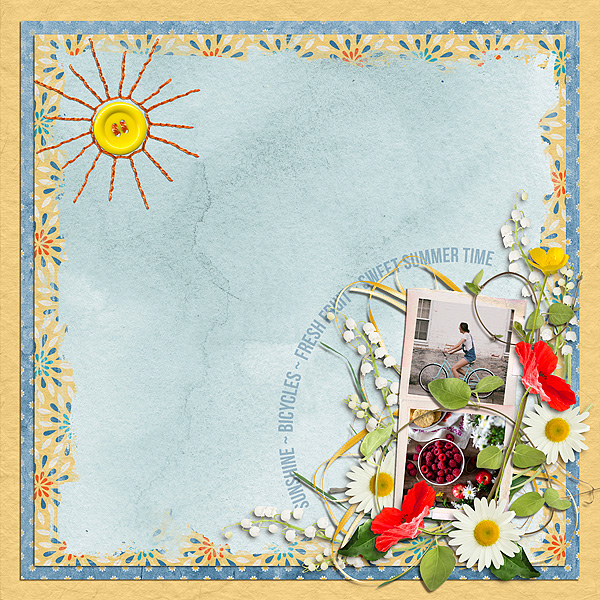
Kit: In My Garden

Designer: Vero

Font: Bebas Neue Bold

Moodboard Challenge


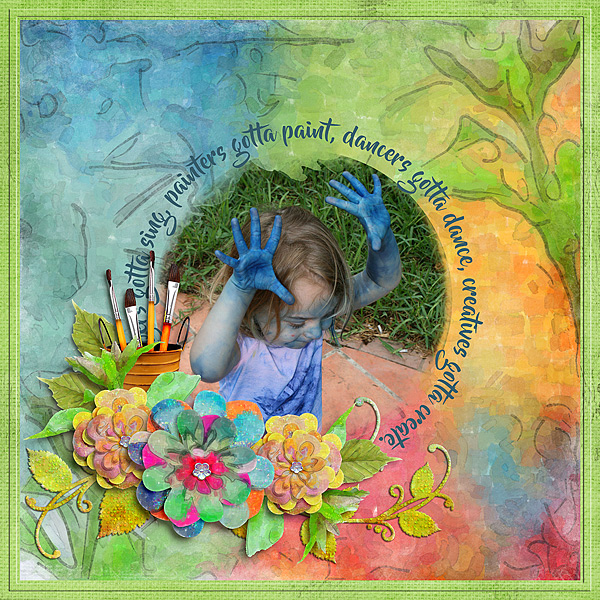
Kit: Painting Life

Designer: Silvia Romeo


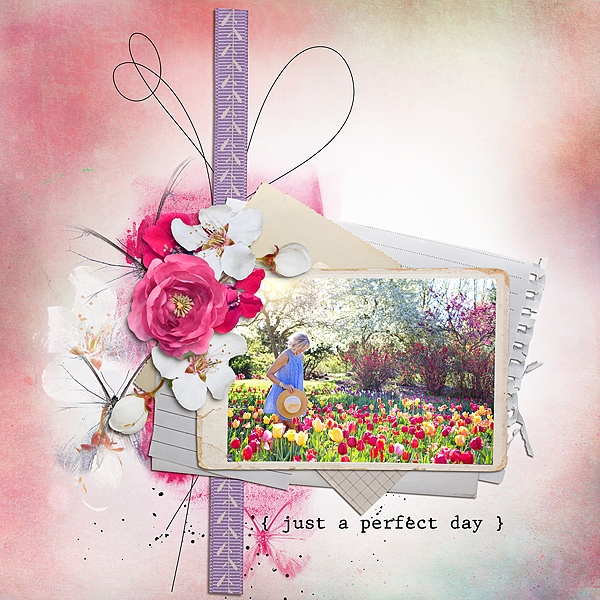
Kit: A Beautiful Day

Designer: TDC Designer Collab


Kit: A Lovely Day

Designer: et designs


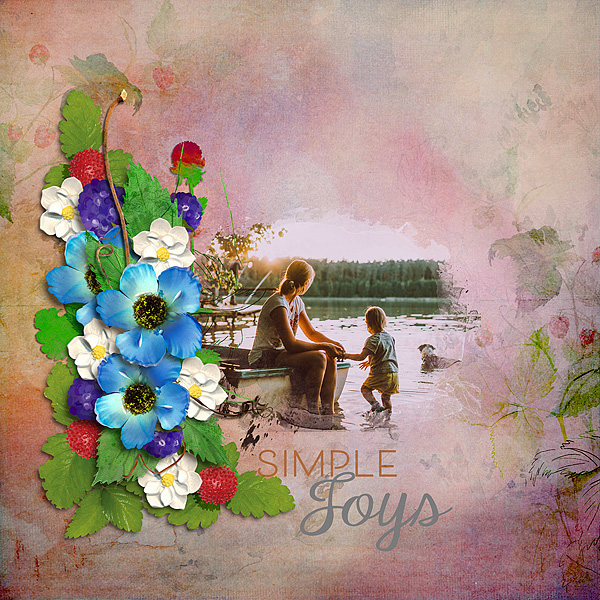
Kit: Joy of Life

Designer: Natali Design


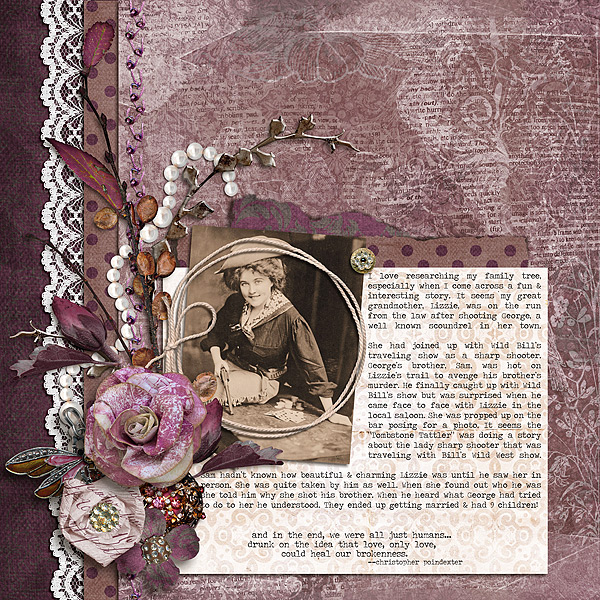
Kit: Vintage Family Reunion

Designer: Tami Miller Designs


I have a couple more layouts that I will share tomorrow or Saturday.  They were created for challenges at The Digichick so I want to show them off separately.  The first layout in this post was also created for a challenge.  It’s the Moodboard Challenge and it’s linked.

Graphics Tablet Choosing and Setting Up

Are you in the market for a graphics tablet but don’t know where to start?  Graphics tablets can take you to another level with your digital scrapbooking.  You can make much smoother marks with a pen than with a mouse.  They also relieve hand and wrist pain many people experience. But there are so many to choose from and steps to set them up for the best performance.


Tiffany Emanuel’s class, With My Sword & Shield: Pen & Tablet Techniques for Digital Scrapbookers, will help you decide which Wacom tablet is best for you.  Then she will walk you through setting up drivers and tablet settings to get the best performance.

This class was part of the Scrapaneers Live event earlier this year.  Now, you can get it as a self-paced class that you can refer back to as needed.  It’s only $28 and you can get it here.

New Releases at The Digichick April 19, 2018

Wow, there’s crazy weather all across the country.  It goes from beautiful spring weather to freezing rain and snow in the blink of an eye.  Today it’s sunshiny and in the 60’s. Love it!  I have a couple of layouts for you today using two of this week’s new releases at The Digichick.  The kit names under each layout are linked to the store and are currently on sale.

Kit: Love Life

Designer: Natali Design


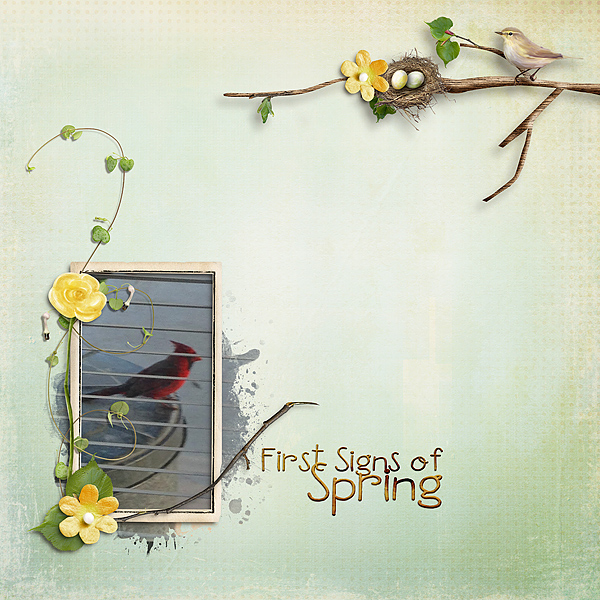
Kit: First Signs of Spring

Designer: Palvinka Designs

Photo Spill Frame or Out of Bounds?

Photo Spill Frame or Out of Bounds?  I’ve had several people ask me the difference between them.  I believe the difference is in the precision.  A Photo Spill Frame is out of bounds but an Out of Bounds effect is not necessarily a Photo Spill Frame!  Let me elaborate.

The “bounds” I’m speaking of is the photo’s frame.  So Out of Bounds is a technique where the photo is not contained within the boundaries of the frame.

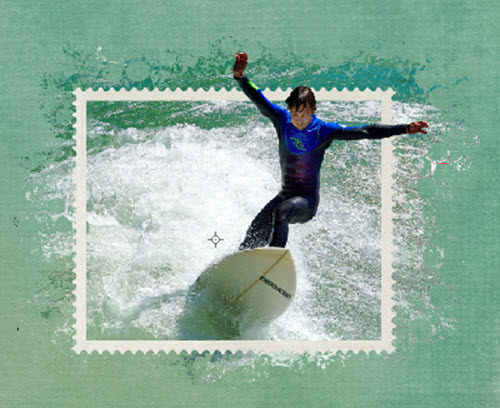
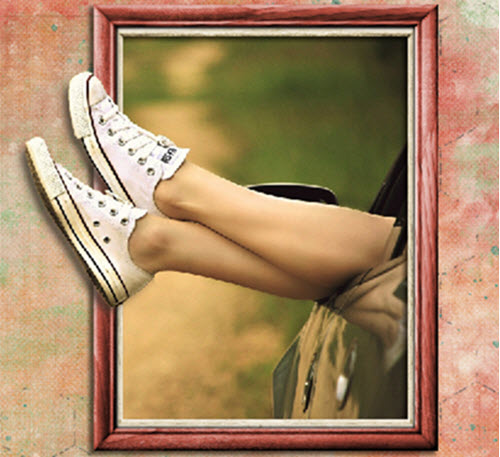
When I think of the Out of Bounds effect I think about arms, hands, heads, leaves, or something similar extending outside of the frame.  Here are a couple of examples of what I mean when I talk about an Out of Bounds effect.   The surfer’s arms and head extend beyond the frame in the first example.  In the second example, the woman’s feet are out of bounds.


A Photo Spill Frame effect makes me think of something spilling out over the frame.  While it’s still technically an out of bounds effect it’s not as precise as the examples above.  Water and waves are perfect subjects for this effect but not the only possibilities.  Consider anything that can, well, spill or overflow.  The technique I use in each case is also different.  Here are a couple of examples.  I used the surfer photo again for the first Photo Spill Frame example to see the difference in the two effects on the same photo.  I also added a wave element here.
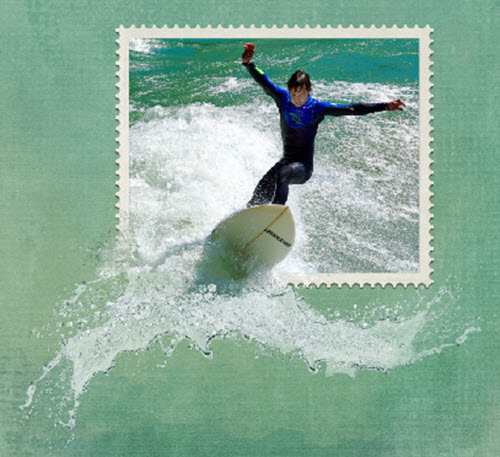
Here’s an example of a different type of Photo Spill.  As you can see it’s larger & less precise.

 

If you’d like to find out how to create a layout using the Photo Spill Frame effect using Photoshop Elements check out my tutorial, How to Create a Photo Spill Frame Effect.  I hope you will enjoy and use this effect in some of your layouts.  What ideas do you have for other items that can spill over the edge of the frame?  Please comment and share your ideas.


Credits:  The layout examples were created using various elements from the following kits:

A Day at the Beach, Everyday Stories-Home, and Kraft Party by Kimeric Kreations.
Camera Memory Cards Ins and Outs

Camera memory cards are something I’ve never thought much about.  I know I need one in my camera but I’ve never made an informed decision about which card to purchase.  Honestly, I probably just grab a card based on size and price more than anything else.  What about you?


If you, like me, have limited knowledge about the technology inside that little card I have great news.  I just read an article written by an industry insider with in-depth knowledge about memory cards. He has a lot of good information to share.  If you’d like to know more about the ins and outs of memory cards, I encourage you to read this article, Why You Should Not Delete Images on Your Memory Card Using Your Camera.

New Releases at The Digichick April 5, 2018

I believe this is a first for me but this week I created three layouts using the same kit with three very different results.  Here’s a link to Kimeric Kreations’ new kit, Everyday Stories-Vintage.  It is on sale through the weekend.  The first layout has a vintage feel but the others do not!


I created this layout of my favorite TV show for the Art Journal Challenge at The Digichick.


Finally, the next layout is for JustArtScrapbooking’s Cock and Bull Challenge. For this challenge, you make up a story to go with the photo provided. The photo may be of two women, I can’t tell, but the person on the right looks like a man to me so that’s where I went with my story.


April Use It All Challenge at The Digichick

I love the sweet Use It All Challenge Mini kit from Kimeric Kreations for the April challenge!  Get it free, create a layout, and post it in the Challenge Gallery for everyone to see.  The little touch of green paint and white bubble graffiti behind the foliage are from Everyday Stories Home.

Kit: April Use It All Challenge Mini Kit
Kit: Everyday Stories Home
Designer: Kimeric Kreations

New Releases at The Digichick March 29, 2018

Wow! Can you believe March is almost over?  New releases today are the last for this month but do not fear, they’re on sale into April!  Kit names under each layout are linked to the store.

I designed the first layout with a message in mind.  After hearing an adult make an unkind remark to their child my heart was really burdened.  Sometimes others say something that hurt us to our soul.  Children especially take it to heart and put in a loop in their head that stays with them a long time, in some cases a lifetime!  When I posted my two layouts I realized the second one’s sentiment ran parallel to the first.  Watch your words!  The can cut deep creating a wound that leaves scars and can break spirits.

That’s my PSA for the day.  Thanks for looking and listening.

Kit: Everyday Stories-Home

Designer: Kimeric Kreations

Font: Sketch Fine Serif Regular


Kit: The Faith Project-Let Not Your Heart Be Troubled

Designer: Sherwood Studio

New Releases at The Digichick March 8, 2018

This week I’ve created layouts using three of the new releases at The Digichick.  I hope they give you a good peek at the kits I worked with.  The kit names are linked to the store and they’re on sale through the weekend.  The second layout is for the Scripture Challenge at The Digichick and the third is for a challenge at Just Art Scrapping.  So without further ado.


Kit: She Drew New Lines

Designer: Kimeric Kreations


Kit: Love, Courage, Strength

Designer: Alexis Design Studio

 for March 2018 Scripture Challenge


Kit: Forevermore

Designer: Designs by Helly

Font: Traveling _Typewriter Regular

for Just Art Scrapbooking Cock & Bull Challenge