New Releases at The DigiChick February 2, 2017

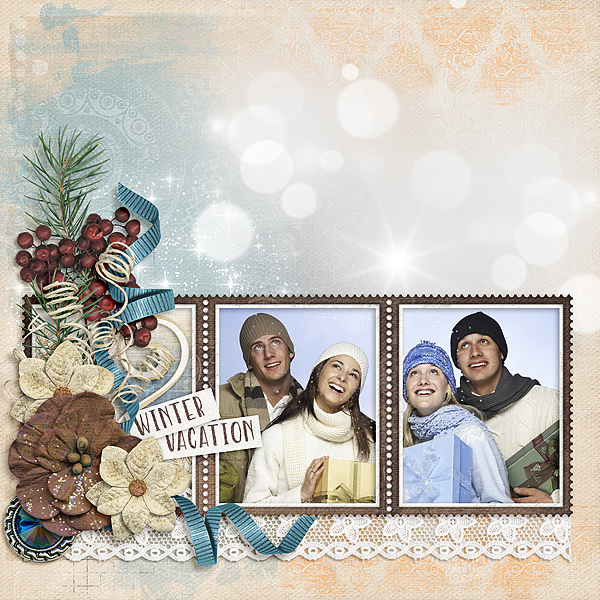
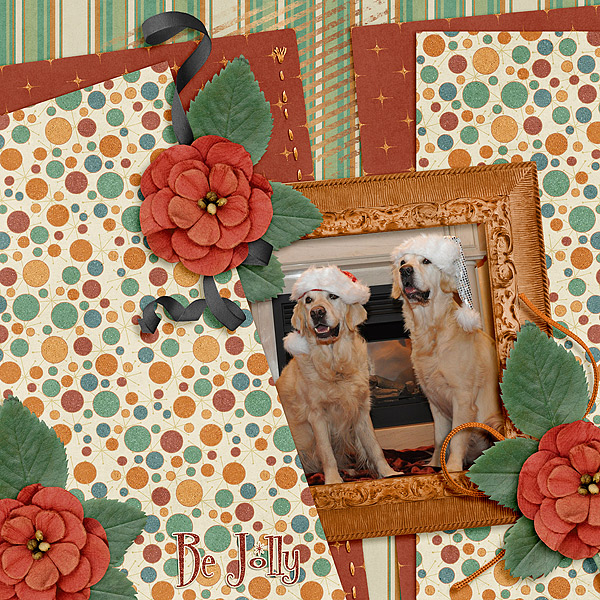
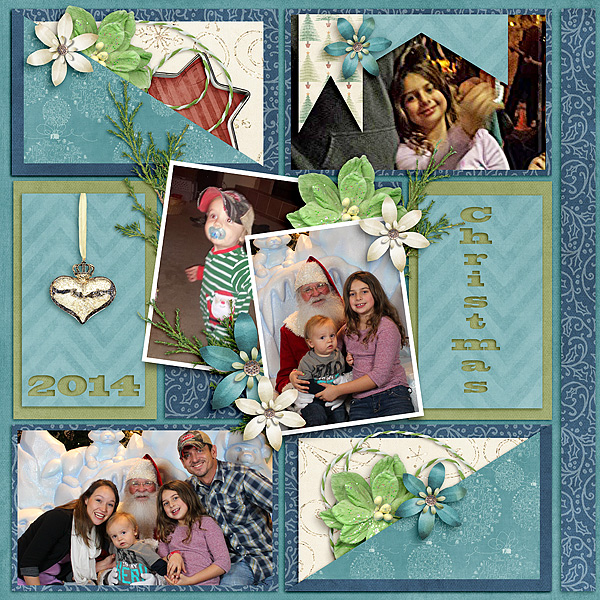
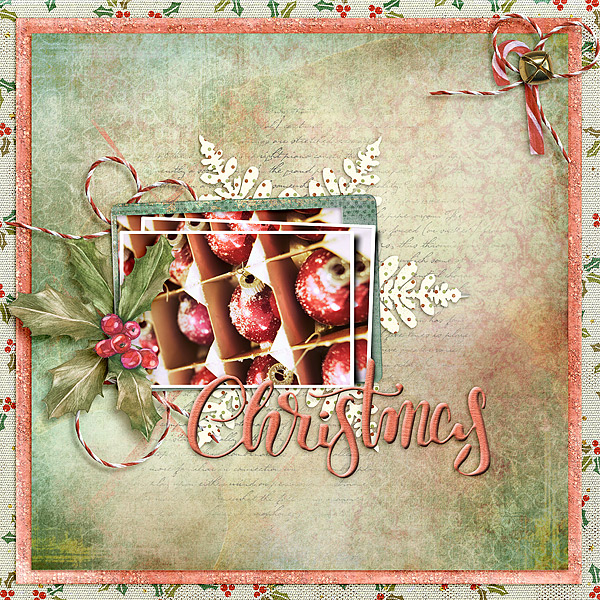
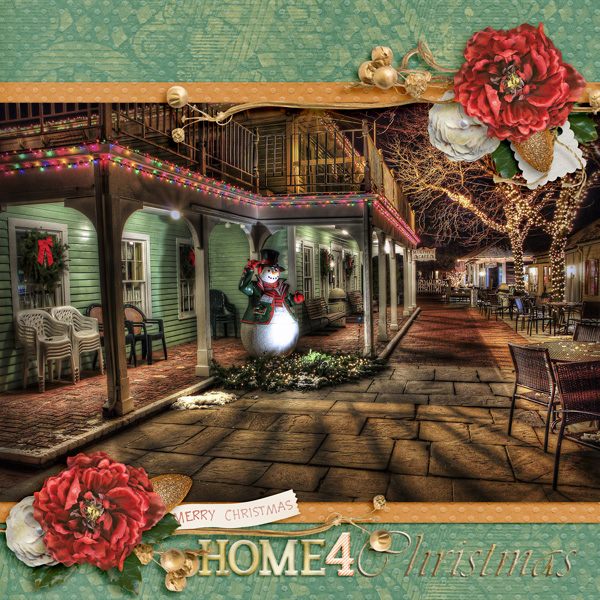
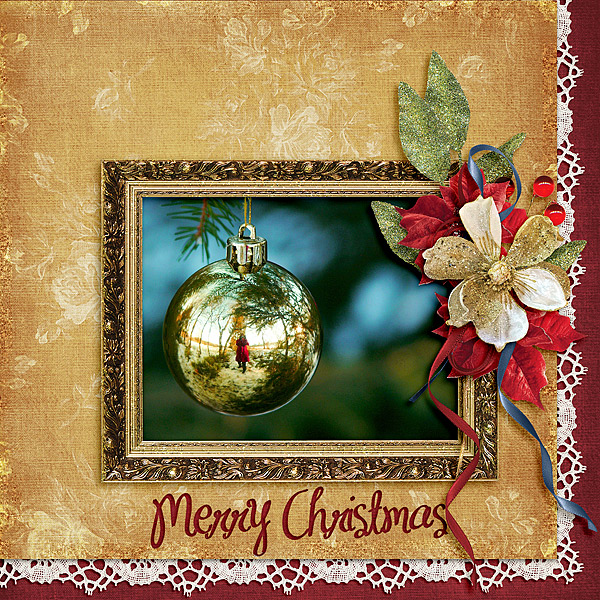
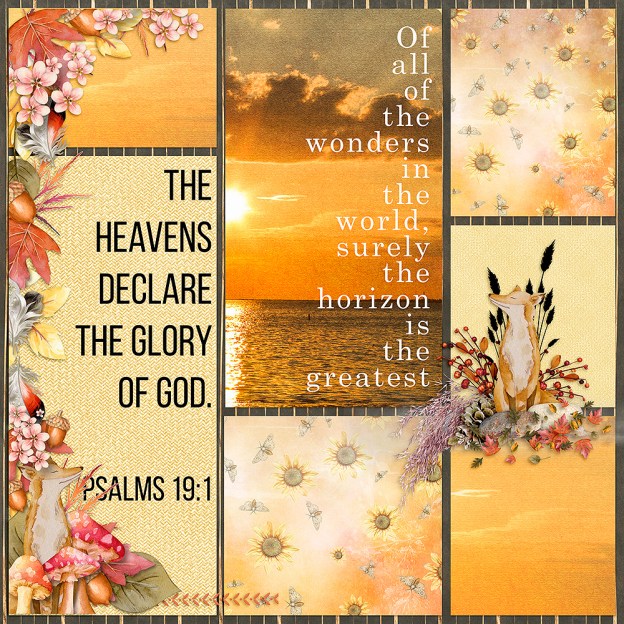
Wow, there is a lot of great stuff to share this week.  Check out these layouts made with new releases at The Digichick February 2, 2017.  All of the kit names are linked to the store and everything is on sale through the weekend.  Head on over and check them out!

going to boos

Kit: We Love to Travel
Designer: Kimeric Kreations

gone fishin

Kit: Document February
Designer: The DigiCrafter

iheartu

Kit: Document February
Designer: The DigiCrafter
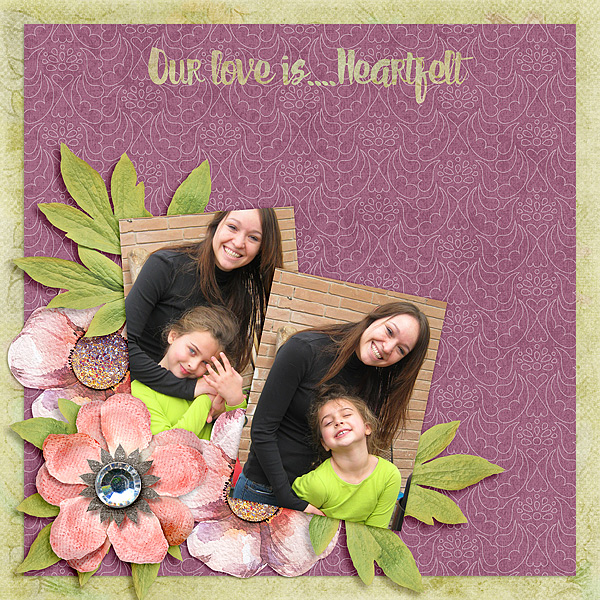
Kit: Heartfelt TDC Designer Collab
Kit: Heartfelt
TDC Designer Collab
Using Extractions and Blend Modes in Photoshop Elements 15

If using extractions and blend modes in Photoshop Elements is still a bit of a mystery to you check out my tutorial here.  The more I see and use artistic effects the more I love them.  In this tutorial, I take you through my process step by step.  So follow along and add your own tricks to achieve an artistic layout you will love.  There are many ways to do things in Photoshop Elements and this is just one way.  So check it out and let me know what you think.

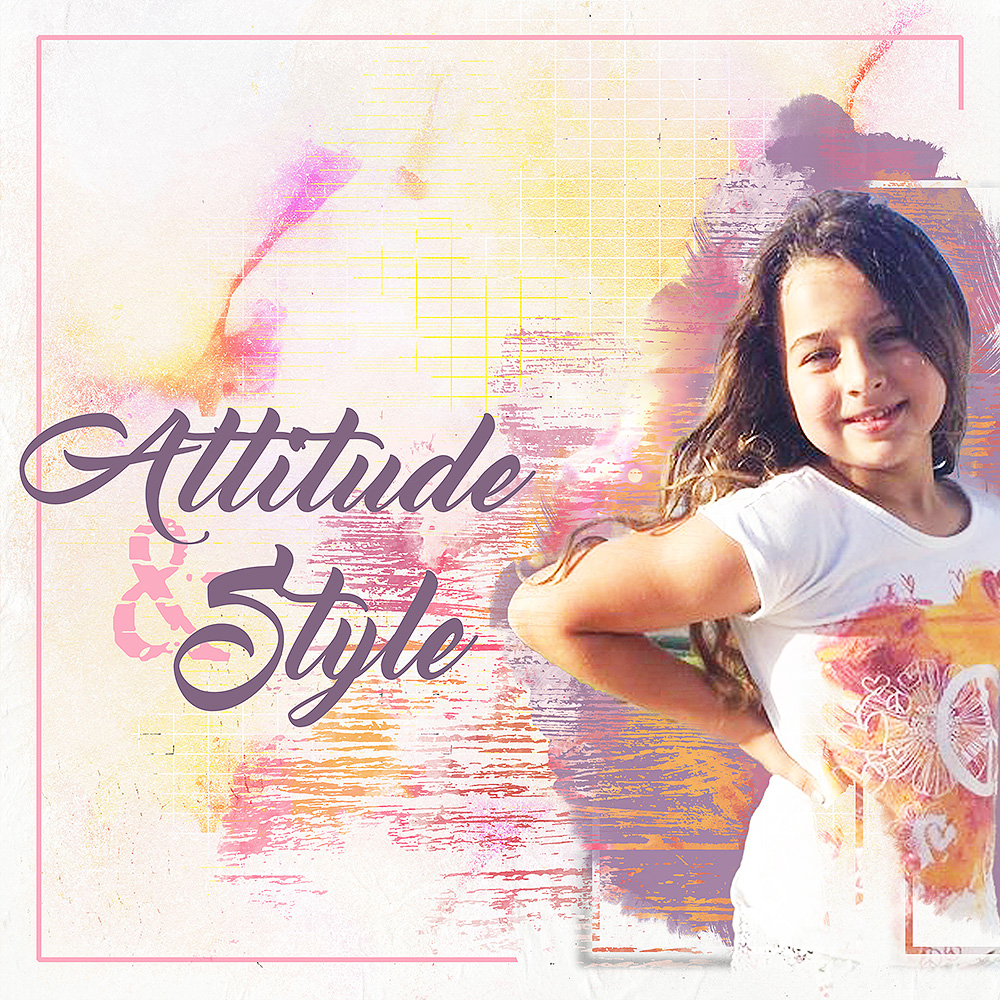
attitude and style

Kit: Precious  *  Designer: NBK Designs  *  Font: Master of Break  *  Font: TXT Abrasive

so-cool-marquee

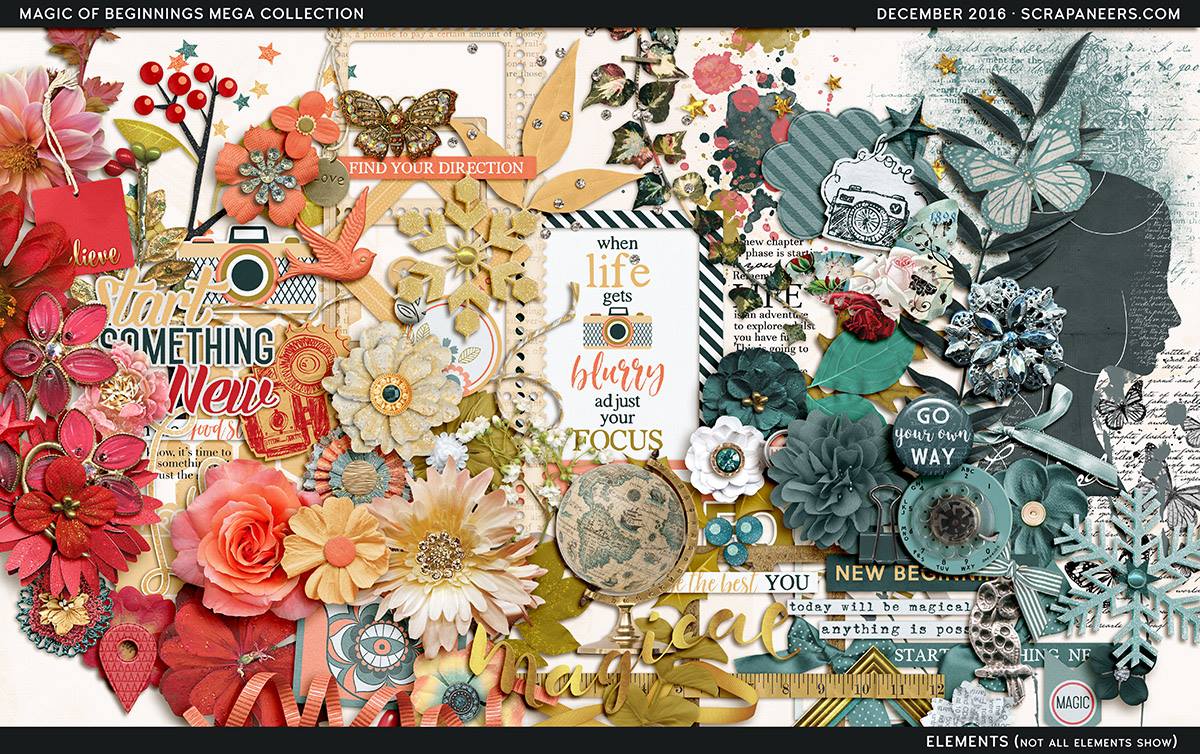
The Magic of Beginnings Collaboration at Scrapaneers

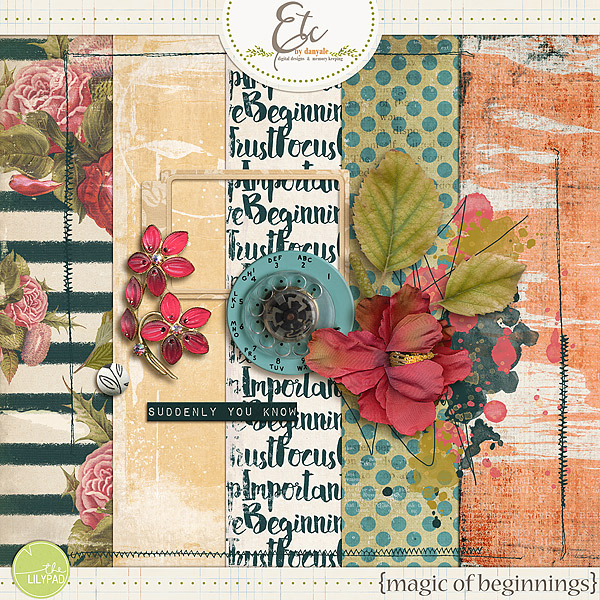
The Magic of Beginnings huge digital collaboration has started at Scrapaneers.  For the entire month of December look for a new blog post every Monday, Wednesday, and Friday with tutorials and freebies.  Here’s a preview of this amazing collaboration.

the-magic-of-beginnings-preview


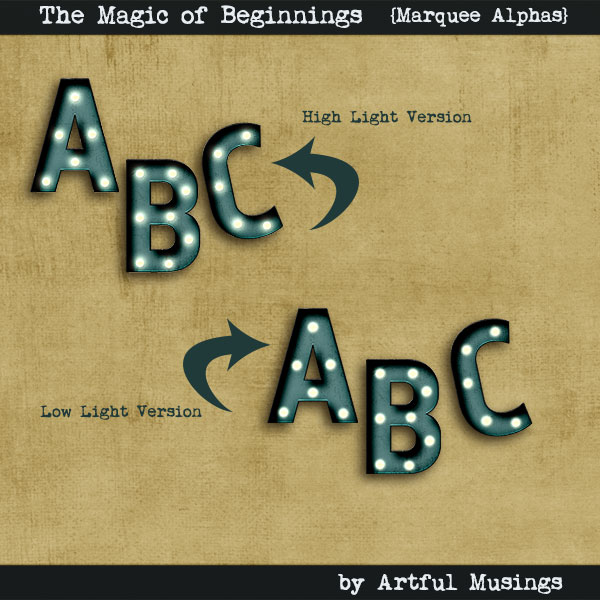
Yesterday, December 2, there was a fantastic tutorial about creating animated GIFs in Photoshop.  Have you ever thought about adding a flashing title to your layout?  This is so cool! Check out Judie’s tutorial here.   In addition to learning a fabulous new technique, you can download Etc by Danyale’s portion of the collab and an Alpha set from Artful Musings.

Free Mini Kit Preview

etc-by-danyale-mini


Free Alpha Set Preview


artful_marqueealpha_preview


GIFs can be created in Photoshop Elements as well.  I created the “So Cool” GIF in PSE15.

New Releases at The Digichick December 1, 2016

Wow!  It’s hard to believe we’re into December. Where has the year gone? I’ve got many layouts to share this week.  The store is full of gorgeous new releases.  Here are a few layouts I made.

christmas2014gwl-copy

Kit: The Night Before Christmas http://www.thedigichick.com/shop/The-Night-Before-Christmas-collection.html
Designer: Kimeric Kreations
Font: Blackoak Std Regular


christmas-uia1612

Kit: I’ll Be Home for Christmas UIA Dec 16 http://www.thedigichick.com/forums/showthread.php?64272-USE-IT-ALL-CHALLENGE-DECEMBER-2016
Designer: Snickerdoodle Designs

So much variety but since most are in The Hatchery they all coordinate with each other!  Grab any or all of them. They’re on sale through Sunday, December 4th.

recolor-styles-pse

How to Recolor Styles Effectively in Photoshop Elements

How many times have you tried to recolor styles in Photoshop Elements but the result was all wrong?  The color you got wasn’t even close to what you were going for so you decided it wasn’t even possible.  Let me assure you it is!   I’ve written a tutorial on Scrapaneers blog to explain this process and how to get a perfect color match here.  I also have another tutorial using different Styles here.  I also explain what happens if you try to recolor Styles without going through these steps.  I suggest you check out both tutorials for a thorough understanding.  Thanks for looking.

Top View Scrapbook Layout

Top View Design

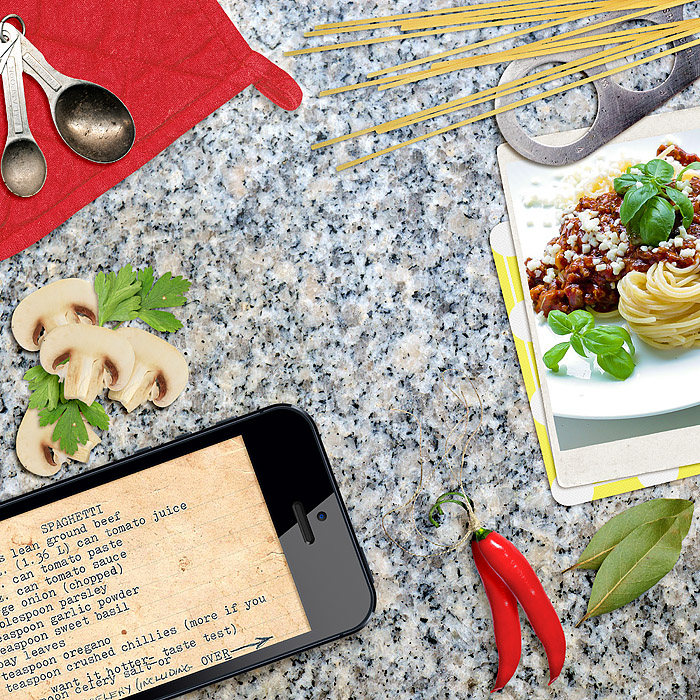
Desk top view is a trend that’s been around awhile in web design and I’ve based this layout on the view from above.  This trend relies heavily on viewing items on a desk or table top from first person perspective.  This type of layout works best using realistic-looking objects.  You can find realistic items in some kits or extract them yourself.

A “Snapshot” Layout

Most of the items used for this layout are from ET Designs kit, In My Kitchen.  The iPhone and granite background are from my own stash.  With realism in mind, objects should be sized appropriately in comparison with other items in the arrangement.  It should feel like a snapshot of the activity depicted in the layout.

in-my-kitchen-topview

Can you think of ways you can incorporate top view in some of your layouts?

Droplet Drag and Drop Templates

Have you tried the Droplet Drag and Drop templates for PSE15 yet?  They’re so easy you can complete a fabulous layout in five minutes or less.  What?? Yes, that’s right.  I have a new tutorial to show you just how easy it is.  You’re going to love it.  As a bonus, these templates can actually be used in Photoshop Elements versions 10-14 too.  The drag & drop feature was introduced with version 10 but the grouping included with these templates only works in PSE15. But it’s really no problem.  The paper or photo or journal card still resizes automatically and automatically clips to the Frame (photo box).  So check out my tutorial and give them a try!