Category Archives: Challenges

Instinct of Love

Today’s layout, Instinct of Love, is about the love grandparents feel for their grandchildren.  Of course, I can’t speak for all grandparents but I believe the vast majority feel the way I do. Grandchildren are a gift from God.  Their mere presence brings us such joy it’s palatable.
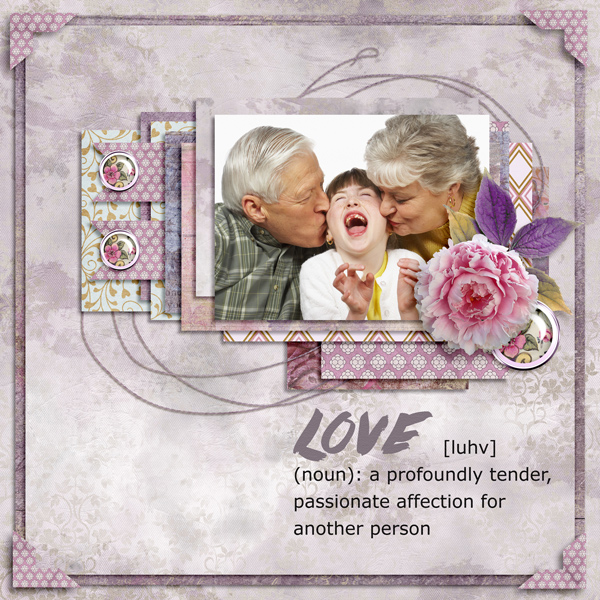
Instinct_of_Love

I was happy to see the word art challenge at The Digichick this month.   I wanted to create a layout that demonstrates this instinctual love.  I love the soft colors in this kit and the joy in the child’s face as she’s surrounded by love.

Credits are linked:

Font Challenge February 2016

I love fonts and font challenges!  Shopping for fonts is right up there with shopping for shoes or purses for me.  Font challenges are great because someone else does all the work.  Usually there is a list with several fonts that they think are cool.  They provide the links and all I have to do is download any I want & post a layout using one or more.  Easy peasy!

I made the layout below for the font challenge at The Digichick.  If you aren’t participating, you should.  They have great challenges every month in their forum.

Boys Will Be Boys

The kit is Boys Will Be Boys by Kimeric Kreations.  The font is H&B Sketch Demo.

How to Use Outside Templates in MyMemories Suite v5

One of the most common complaints I hear about MyMemories Suite is that you can’t use outside templates.  That is, templates that are not included as a part of the software.  While it’s true you can’t use them in the traditional way like you would in PaintShop Pro, PhotoShop, PhotoShop Elements or other photo editing software there is a work-around.  You can use them as a sketch.  What that means is you bring the template jpg in as an embellishment then use it as a map for placement of the elements.  As with any template, you can make changes in embellishments or layout as you like.  However, you’re probably using the template because you like the way it looks so I’d be careful about making too many changes.  I’ve made a tutorial to show you how to use a template as a sketch.  You can find it here.  I hope you find it helpful and I encourage any comments and feedback.  Here’s the layout I made using the template.

TemplatesInMMS-011


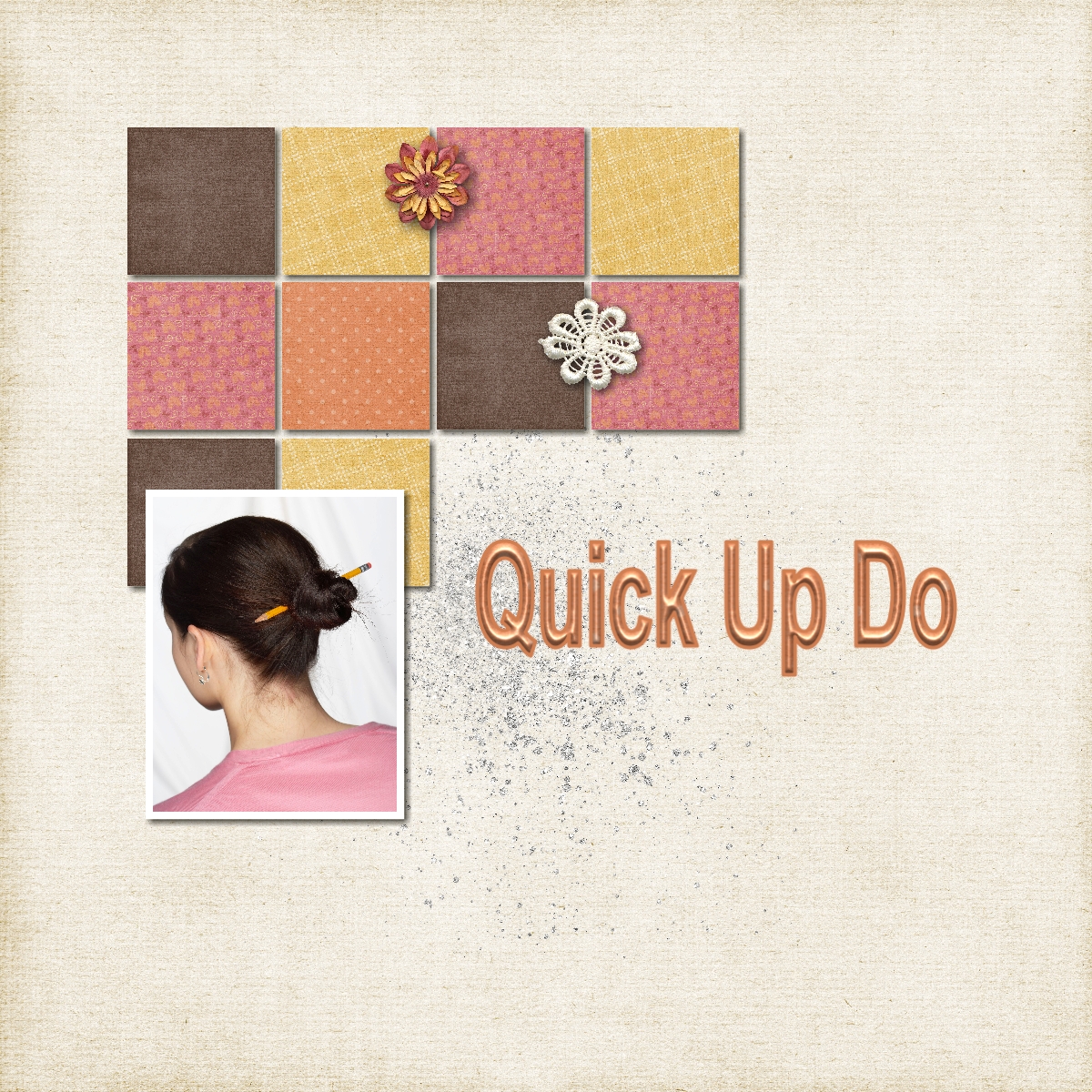
You can get the template free on Digi Scrapping Freebies Facebook page here.  We encourage you to get the freebie and participate in the challenge at Digi Scrapping Divas here.  Please post your layout in the album for this challenge for all to see.

April Photo Challenge

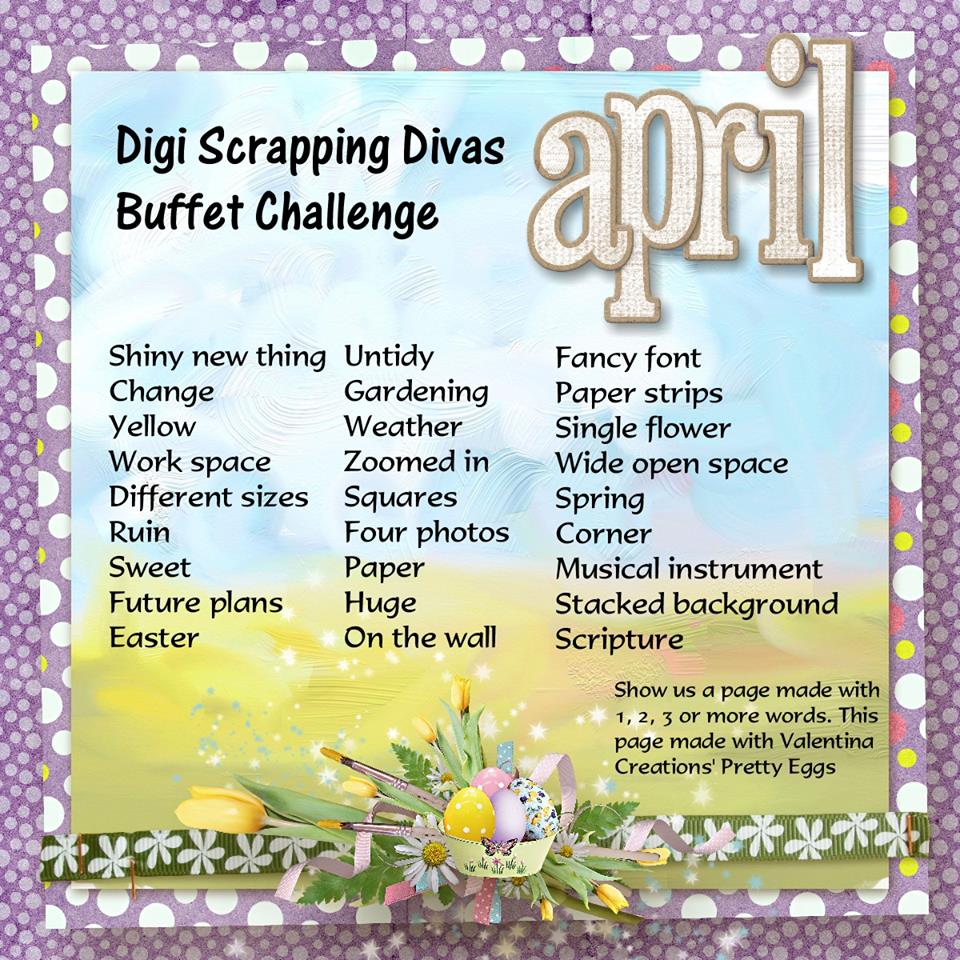
Our April photo challenge on Digi Scrapping Divas is ready to go.  We have about 30 prompts to get you going.  The “buffet” challenge is fun and stress-free.  Simply create a layout using one or more of the words then post it to the album for all the members to see.  Pressed for time?  No problem!  You can even post a layout you’ve already done.  To make it even more fun, see how many of the prompts can apply to your layout.  Get some layouts done and most of all have fun!  Join us at Digi Scrapping Divas here.  Here’s a preview of the list.

AprilDivasChallenge


March Photo Challenge

Wow!  I can not believe it is March already.  Time is flying by at warp speed.  A new month means a new Photo Challenge in our Digi Scrapping Divas Facebook group.

March Challenge

As you can see, this month’s challenge is about photos.  The object is to make layouts using one or more of the challenge words.  You can make as many layouts, with as many combinations, as you like.  Then post your layouts in the albums created for this month’s challenge.  After you post a layout simply make a comment on it then it will post to the page for everyone to see.  You’ll feel the love as other scrappers in the group oooohh, aaaahhh and sometimes lift your fabulous work.  If you haven’t already joined the group, what’s the hold up?  We actually have several groups, check them all out here.

Kaleidoscope Effect

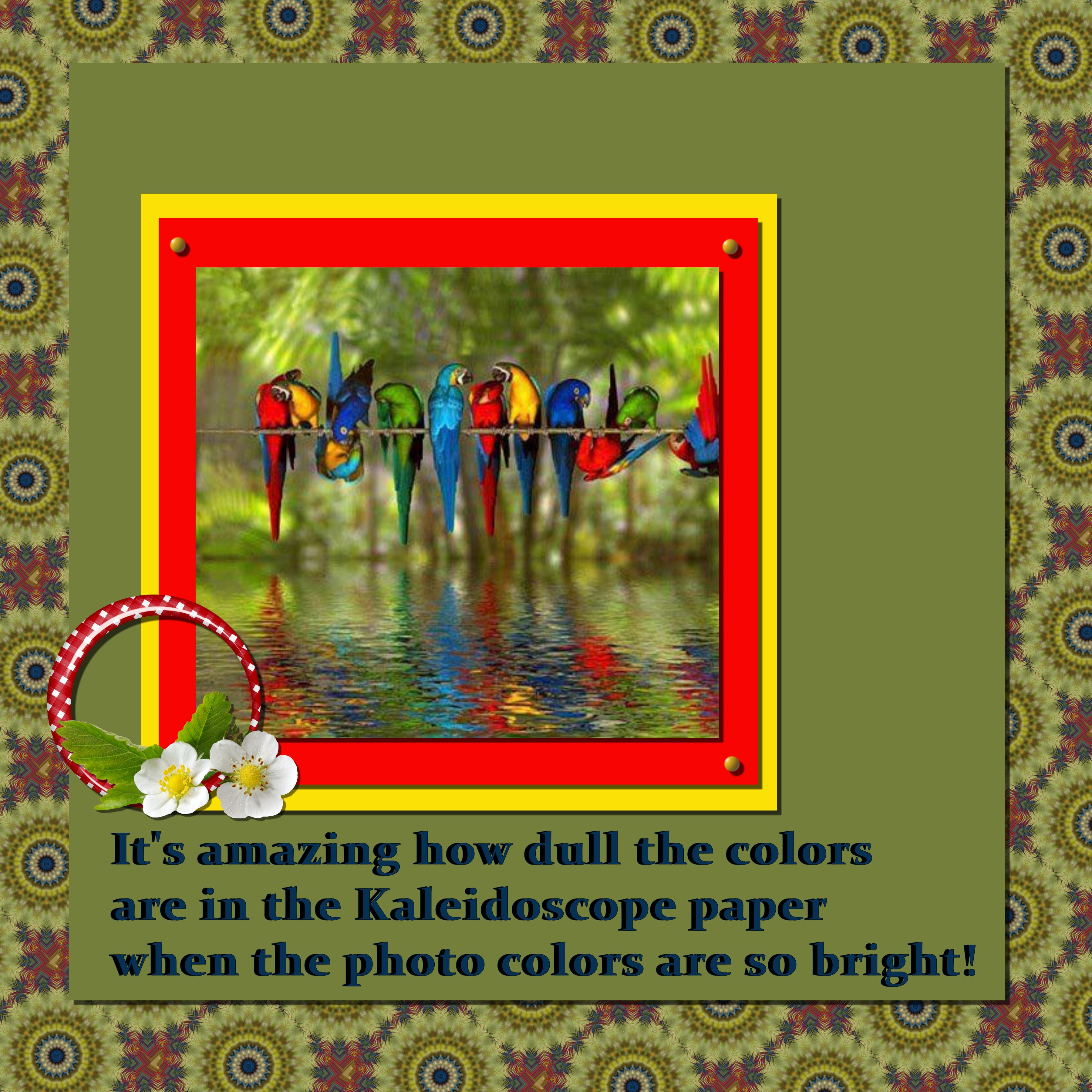
Yesterday the word of the day was kaleidoscope on Digi Scrapping Divas Facebook page.  This month we’ve focused more on techniques and effects for inspiration.  I think it’s a fun twist on the daily challenges.  It is very curious how bright colors are unrecognizable once the kaleidoscope effect is applied.  In the example below, I used the bright bird picture to make the kaleidoscope background paper which turned out so different you’d never guess what the source was.

Kaleidoscope

August Word Challenge List

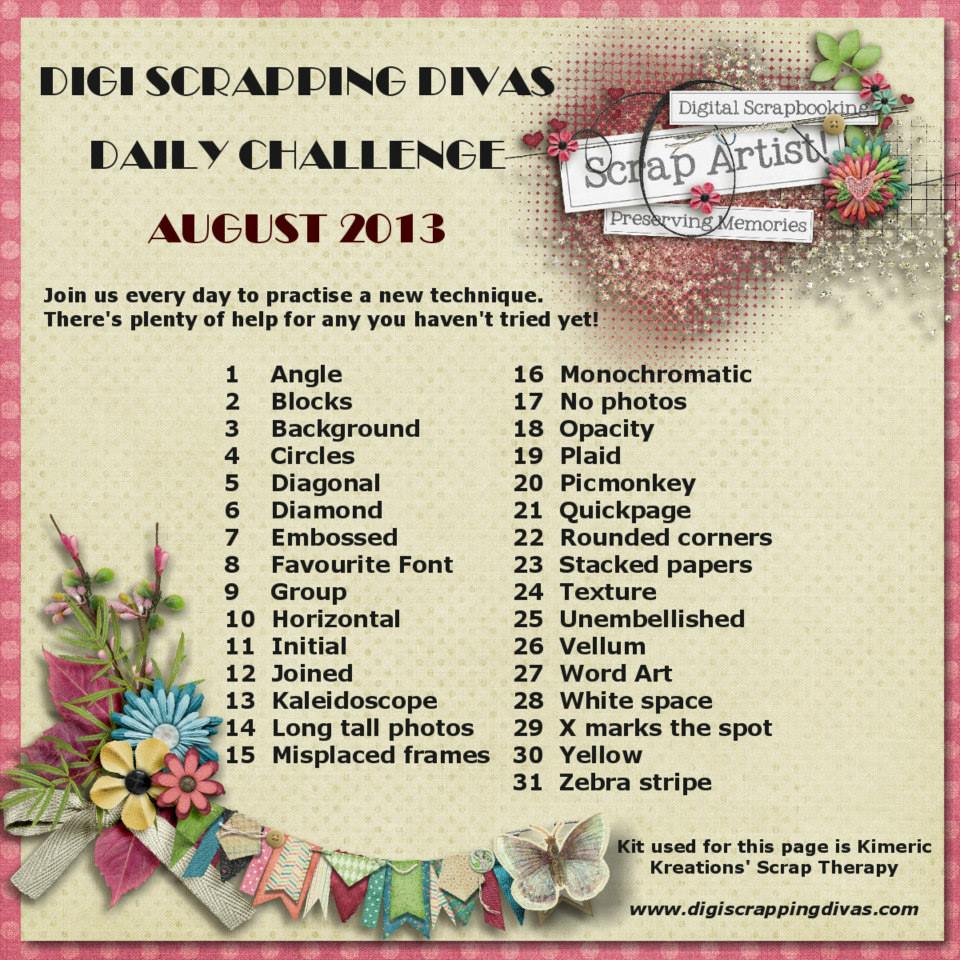
This month our August Word Challenge List is a bit different.  Instead of random words we’ve got an A to Z list of techniques to use.  We’ve gotten a lot of positive feedback already and can’t wait to see what everyone comes up with.  So without further ado here is the word challenge list for August.  Have fun!

August Word List

My Perfect Day!

If you had to describe your “Perfect Day” what would it look like?  For me nothing could be better than spending time with my husband, son, daughter-in-law and granddaughter.  In a few short months I’ll be able to add grandson to that list, yay.  We don’t live in close proximity so when we are able to get together I am perfectly happy just to spend time together.  If I was able to move closer to them I could have a whole bunch of perfect days.  I’d love to be able to be there for every day activities like dance recitals, swimming lessons, school programs, field trips and soon feeding, burping and changing the baby.  Hey a girl can dream!

I’ve been trying to persuade Paw Paw to  sell our business and retire.  Then I’d be able to be the mother and grandmother I’ve always wanted to be.  Here is a layout of my last perfect day.  It’s been over six months and we overdue a visit.  Hopefully that’ll happen later this month.

Celebrate Life