You're Number 1 at MemoryMixer

Isn’t it great when the stars line up and everything falls into place?  This weekend I submitted an article to DigiScrappingDivas about the importance of providing excellent customer service.  You can read the entire article here.  It’s about businesses that fail to recognize their biggest asset, their customers.  Within hours I had the opportunity to witness the flip side, excellent customer service.  Here’s what happened.

I received a message on my Facebook page from a lady that had used my link  to purchase MemoryMixer v4 software and save $10.  She did everything right.  She had gotten the confirming email with the product key and was excited to download the software and get started.  But the download was not available.  That’s not the good part!  She contacted me and I tried to help her by suggesting a few things to try on her computer, sending some emails and reassuring her that we’ll get it figured out.  I’m not an employee of MemoryMixer so my powers are limited.  She also reached out on another Facebook page for fans of the software.  Thankfully this is a company that uses their page to reach out and support their customers.  Nicole, an employee at MemoryMixer, came to the rescue.  She identified the problem and resolved it right away.  In addition, I received a email reply from another helpful employee, Kristan.  I think this is extra-impressive since it’s a holiday weekend.  It’s a win/win/win!  Thank you MemoryMixer for providing excellent customer service!

If you would like to try MemoryMixer and save $10 instantly click the image below.

Try MemoryMixer Now

Sun Ray Template Challenge

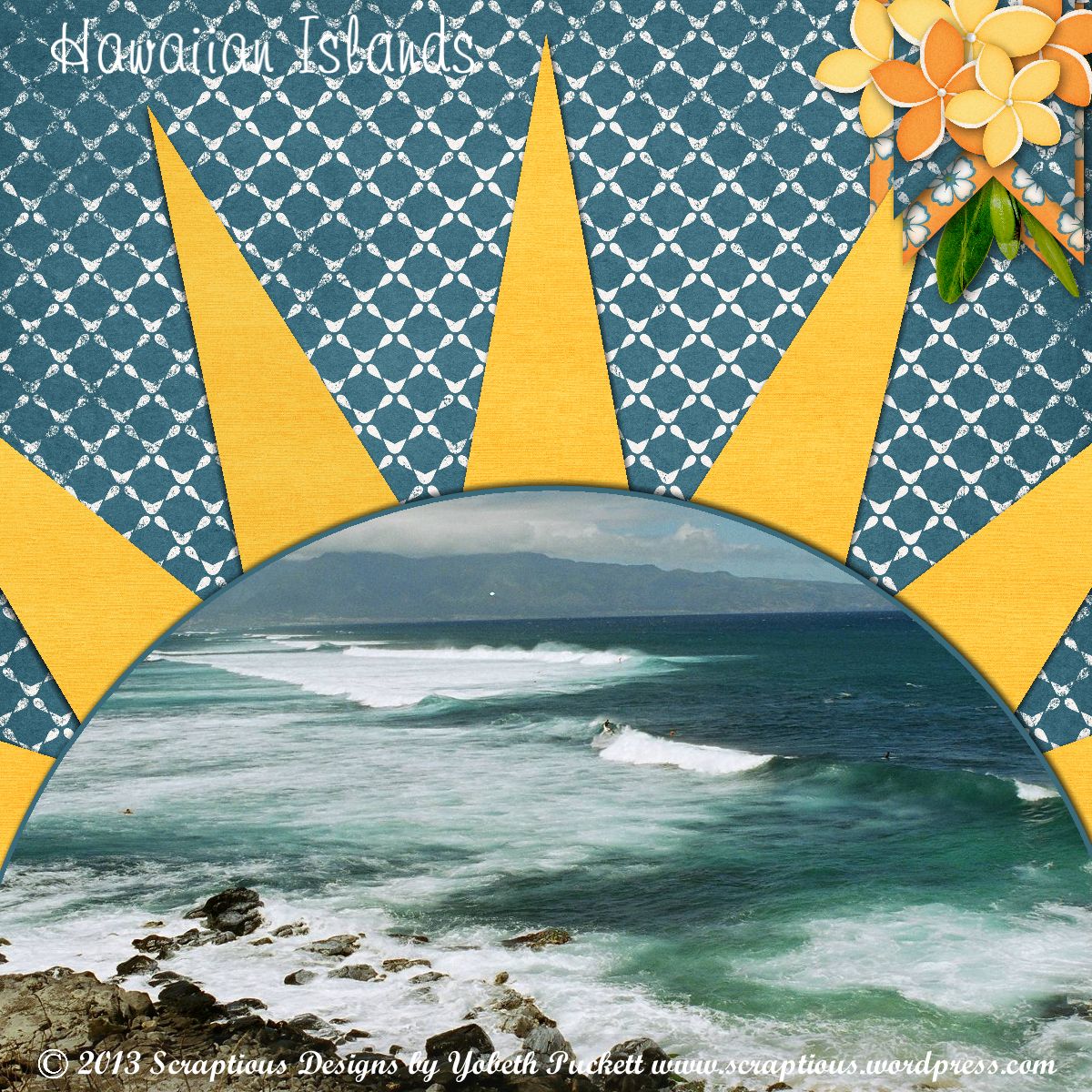
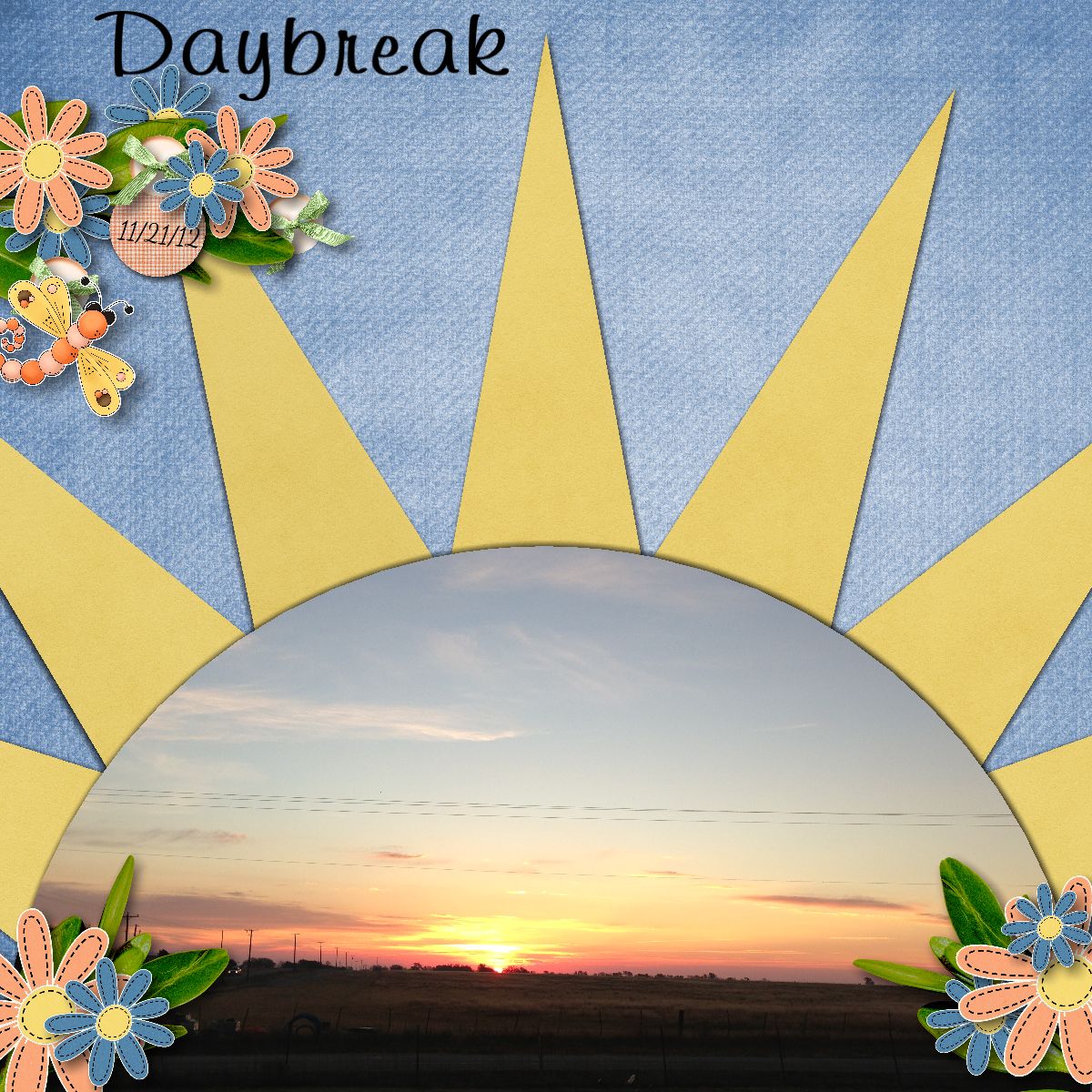
I made this for the DigiScrappingDivas challenge using the template freebie from Little Kiss Creations.  The background paper is Pamela Yates/Ready for Spring.  Everything else is J W Designs/Spring Has Sprung.  If you haven’t tried any of the challenges you’re missing out.  I thought this one was particularly fun but there’s something new everyday.  Here’s my layout…

DigiScrappingDivas SunRay Challenge

Design Principles Rule of Thirds

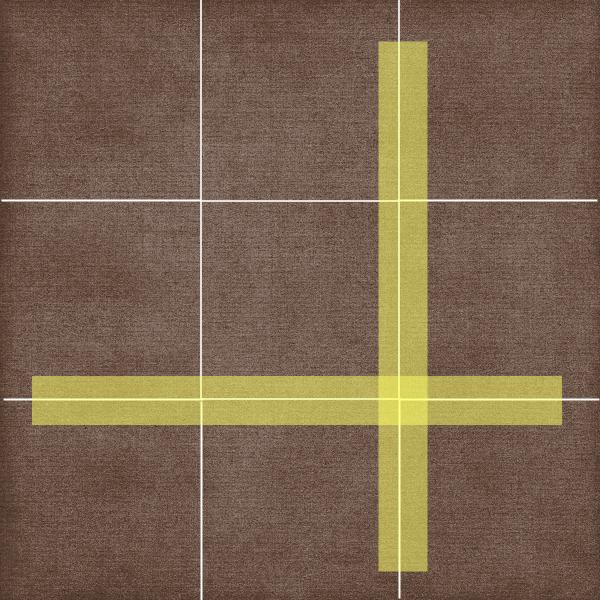
Some of the best photos, paintings and layouts are composed using a guideline called the rule of thirds.  Basically, you divide your “canvas” into equal parts horizontally and vertically.  Then you place your focal point along the lines dividing you composition, as in the illustration below.

Rule of Thirds

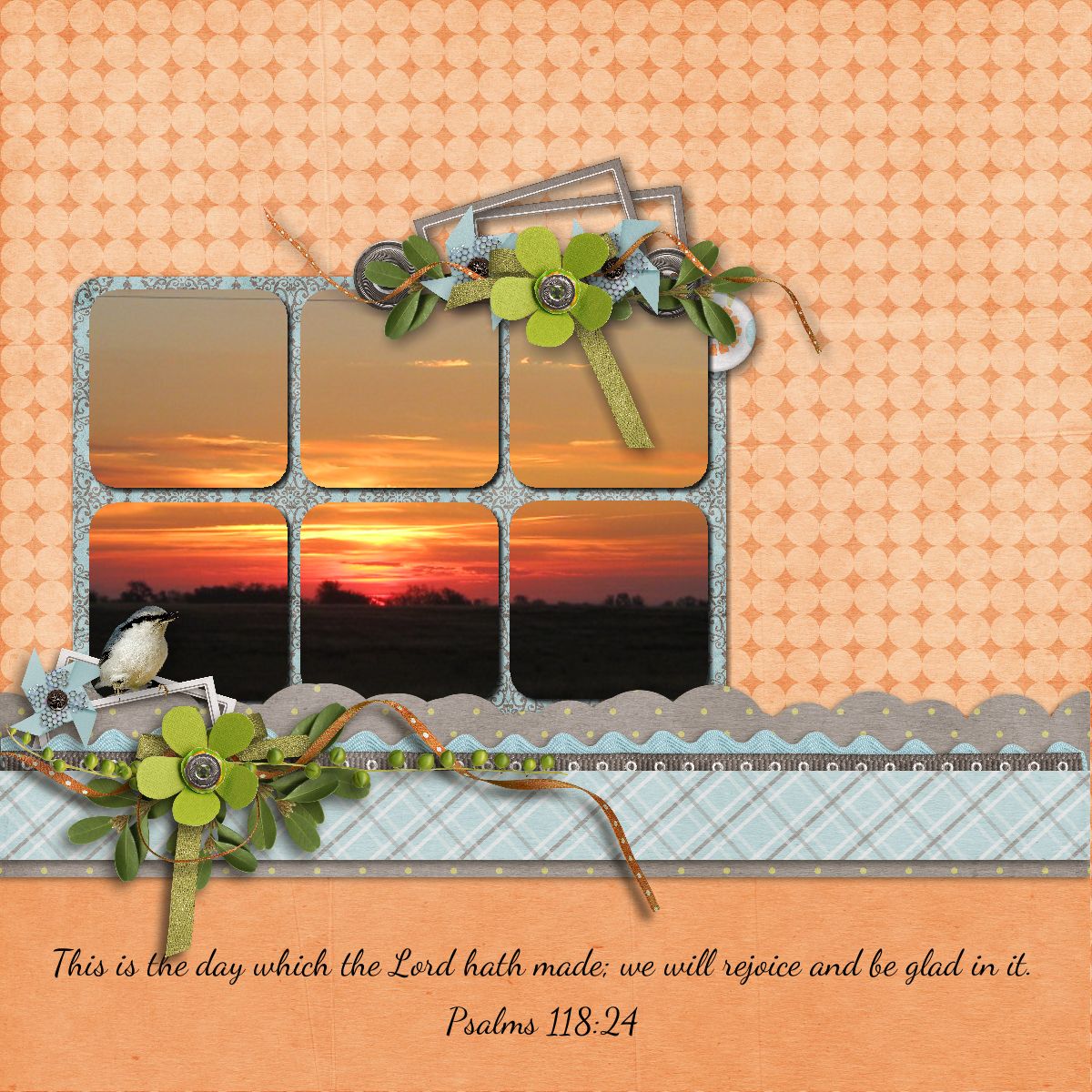
If you were taking a picture of a landscape you might place the horizon along the lower horizontal line.  This will result in a more interesting composition than if you placed it smack dab in the middle of the page.  In the layout below you’ll notice this principle is used twice.  In the sunrise photo the horizon is placed on the imagined lower third and the photo as the focal point is centered vertically on the left third and the blue/grey elements & base of the photo are in the lower third.

Sunrise

The next two layouts use the rule of thirds again.  In addition, you may notice I cluster elements in a way to maximize flow.  I want to lead your eyes around the page while drawing attention to the focal point.  More about that in a future article.

Love  Bathing Beauty

Credits: Thirds layout made in Memory Mixer using Kimeric Kreations/Denim & Lace.

The remaining layouts made in MyMemories Suite

Sunrise layout using MMS Designer/Spring It On

Love layout Kimeric Kreations/Take Note

Bathing Beauty layout Kimeric Kreations/Summer Sunset

Photographer Linda Blackwell

Designer Poll About Your CT's

I’m doing research about how designers put together their creative teams.  If you design digital scrapbooking kits and you use a creative team I’d love to have your input.  It’s a short survey and shouldn’t take more than a few minutes.  You can find it here.  I hope to write another article on CT’s from the designer’s perspective so I covet your input and want to thank you in advance.

A New Tutorial is Now Up!

Are you currently using MyMemories Suite to make you digital scrapbooks?  Are you interested in trying new things?  If you’re not already using it maybe you’re interested in seeing some of the things you can do!  I have a new tutorial I just completed about Making a Layout with Diagonal Papers using a Sketch.  You can find it here.

New Venture!

I’m learning a new scrapbooking program.  Well it’s not a new program but it’s new to me!  I have friends that use Memory Mixer so I just had to give it a try.  In some ways it’s very similar to the program I’ve been using but in other ways it’s quite different.  This is the second page I’ve made with the new software so you can see it’s very easy to install and jump right in.  I’ll be practicing and getting to know the ins and outs so I can get some tutorials out soon.  Also keep your eyes open for some special offers right here for those of you that would like to give Memory Mixer a go.

Bottle Baby w/Memory Mixer

Credits:  Kit: Bella Grace by Just So Scrappy.  Font: Forte.

There's More to Photo-Tiling Than Just Photos

I just posted a tutorial for a new feature of My Memories Suite v4.  It’s my favorite new feature and I’ve used it a lot.  I also like to do color-blocking in layouts and it finally occurred to me that I could probably use the photo tiling for color blocking as well.  After all there is technically no difference between a photo or a background paper.  So I’ve done a tutorial to show you how to do it too.  Please let me know if you find it beneficial.  You can also let me know if you have any questions.  Either way I hope to hear from you.  Click here to check out the tutorial.

I’ve also written a review of this feature at DigiScrappingDivas.com.  If you’d like to read my brief review you’ll find it here.  Happy Scrapping!