Category Archives: Techniques

What Makes a Good Album Cover?

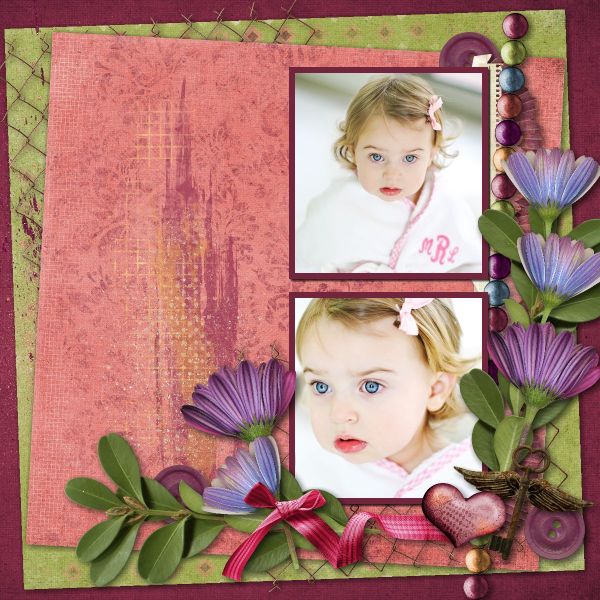
What makes a good album cover for the scrapbook you’re making of your honeymoon or family vacation?  I think using one of the photos from your trip works perfectly.  You can add a smaller photo of the happy couple or family, depending on the occasion, to further personalize the album.  If you’re using MyMemories Suite it’s easy to make a title using the same photo that you used for the background.  There is no need for any additional embellishments.   In the end you’ll have a cover that looks professionally designed.

If you’d like to find out how to make an album cover like this check out this short tutorial.

August Word Challenge List

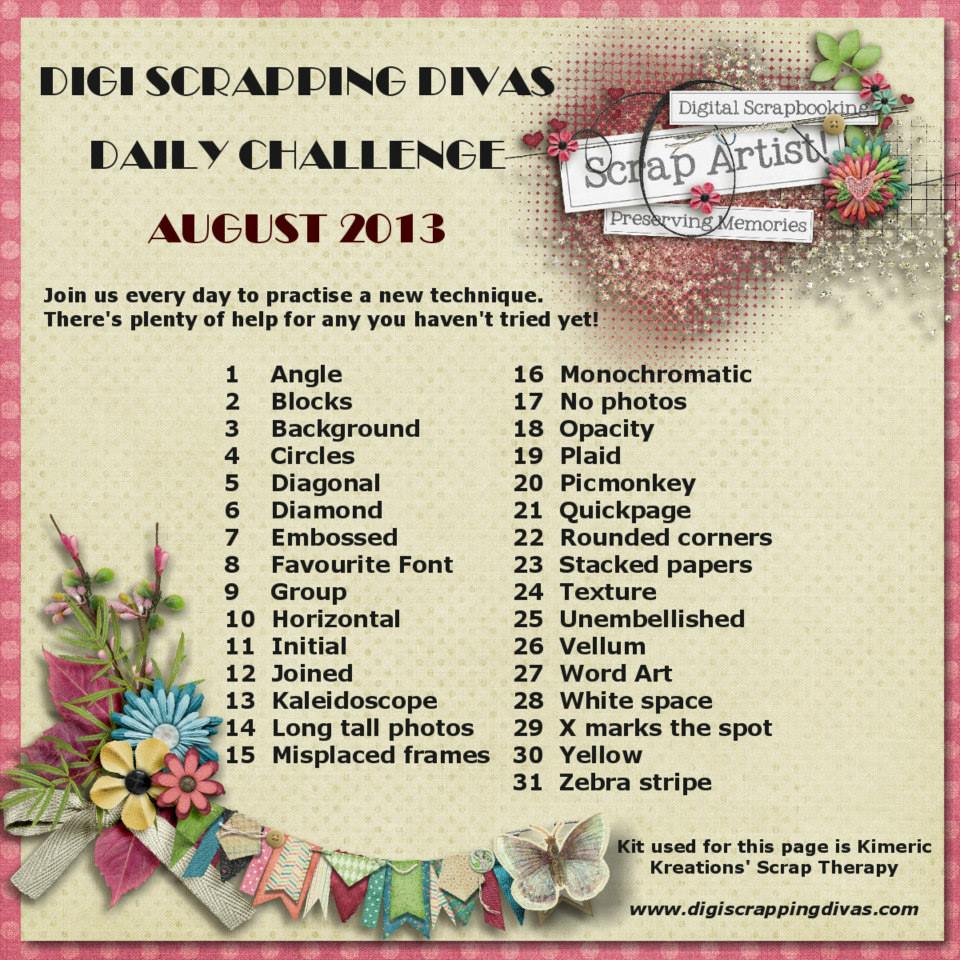
This month our August Word Challenge List is a bit different.  Instead of random words we’ve got an A to Z list of techniques to use.  We’ve gotten a lot of positive feedback already and can’t wait to see what everyone comes up with.  So without further ado here is the word challenge list for August.  Have fun!

August Word List

Have the Courage to Cluster

Scrappers should not fear embellies and clusters.  Done right they will take your layouts to the next level.  But there is a right way and a wrong way.  One little flower on a page just gets lost and personally I think bigger is better.  Check out this article for ideas on adding embellishments and clustering on your layouts for a whole new look.  Now even if I don’t change your mind about adding more embellishments to your layouts, it’s good to step out of your comfort zone occasionally and see what you can do.  As for me, I do have a few, a very few, layouts that are fairly minimal so I have stepped out of my zone too!

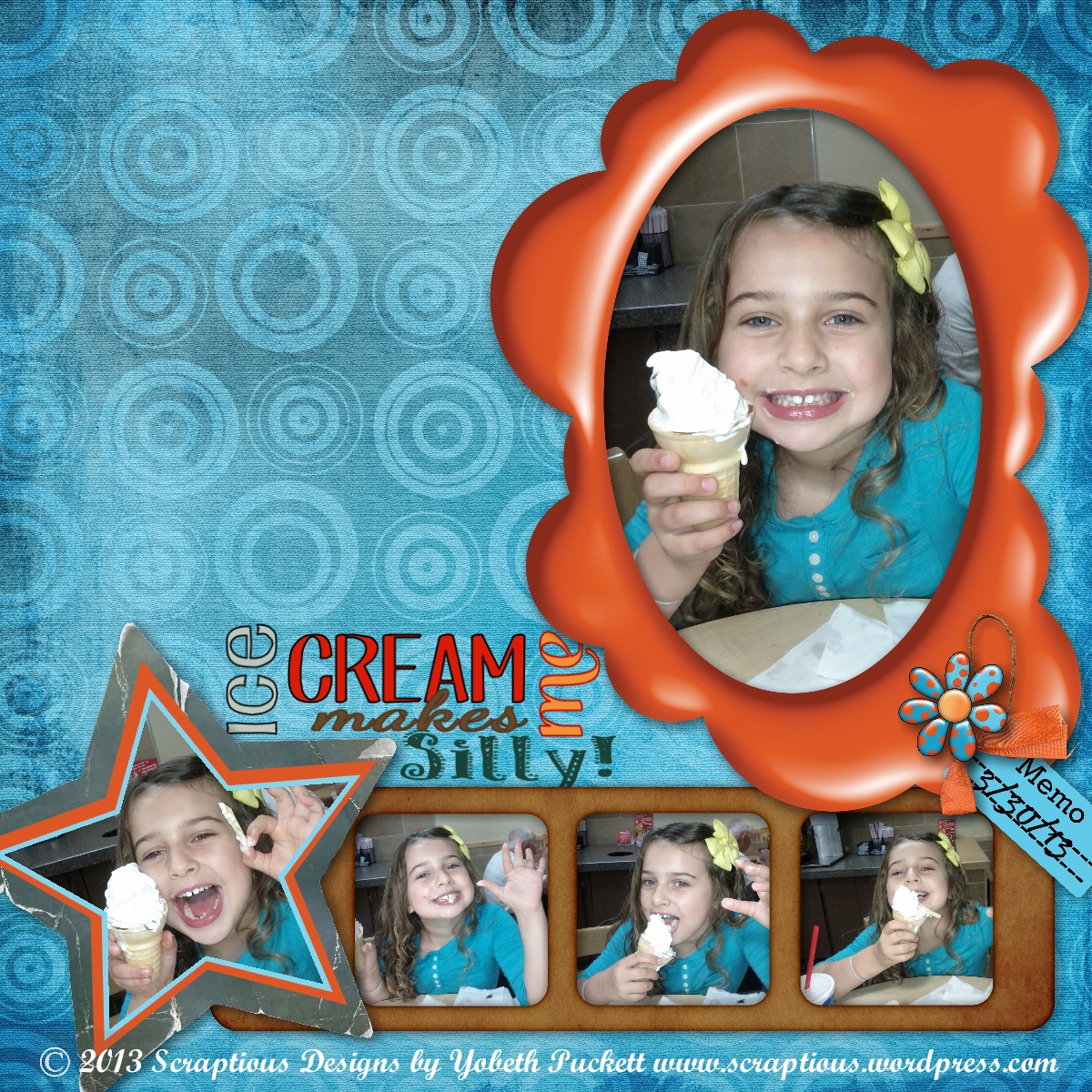
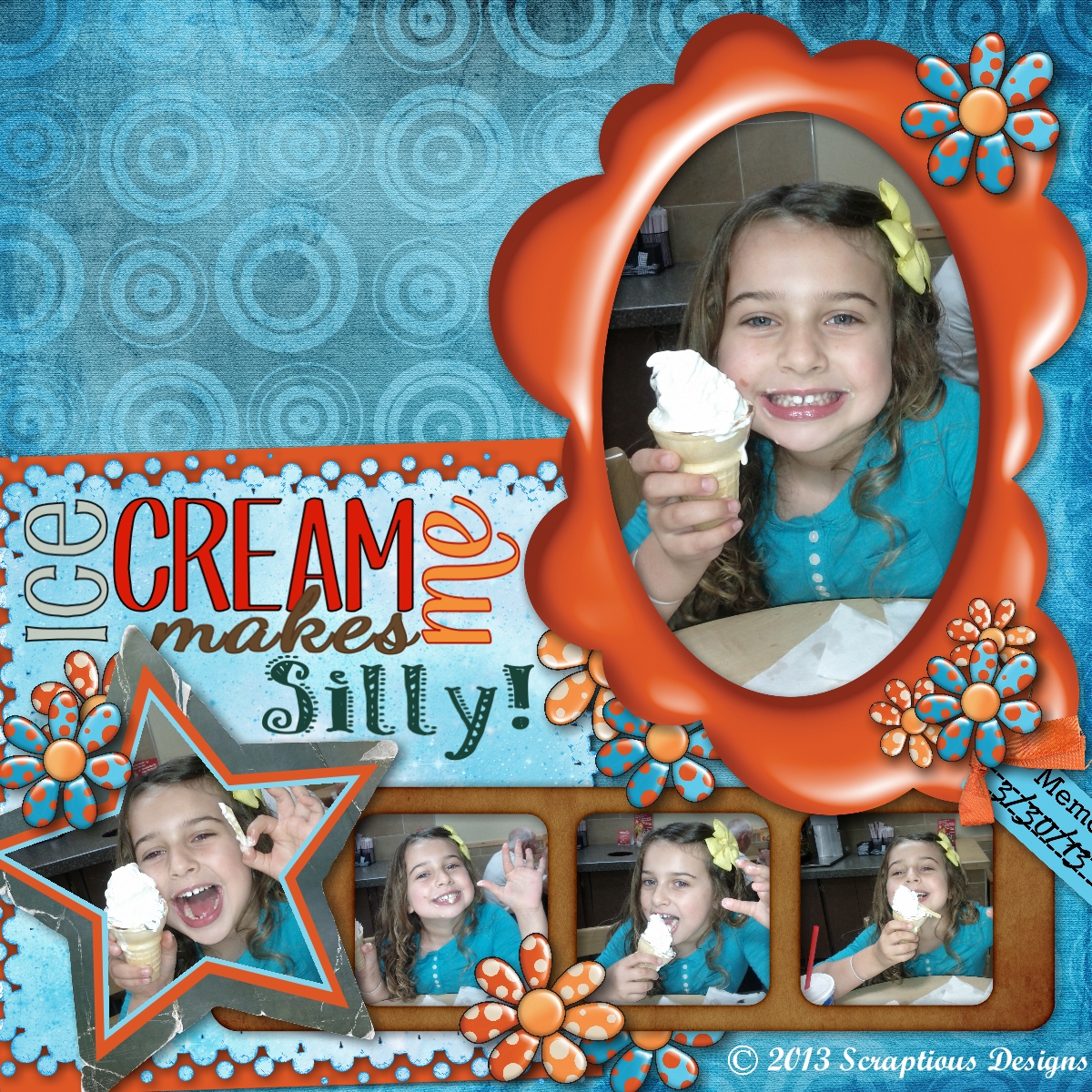
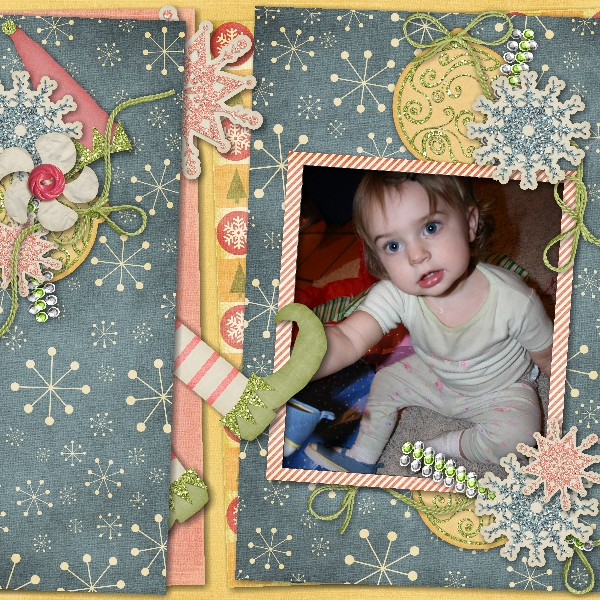
Ice Cream   Ice Cream Makes Me Silly

I think the layout on the right does a better job expressing the fun and silliness shown in the photos.  Do you agree?

Credits: Sundance kit by Laitha Designs.  Fonts: Pupcat, KC This Is Not Goodbye, Dancing Script, Taiga, and Patterns & Dots.

Design Principles Rule of Thirds

Some of the best photos, paintings and layouts are composed using a guideline called the rule of thirds.  Basically, you divide your “canvas” into equal parts horizontally and vertically.  Then you place your focal point along the lines dividing you composition, as in the illustration below.
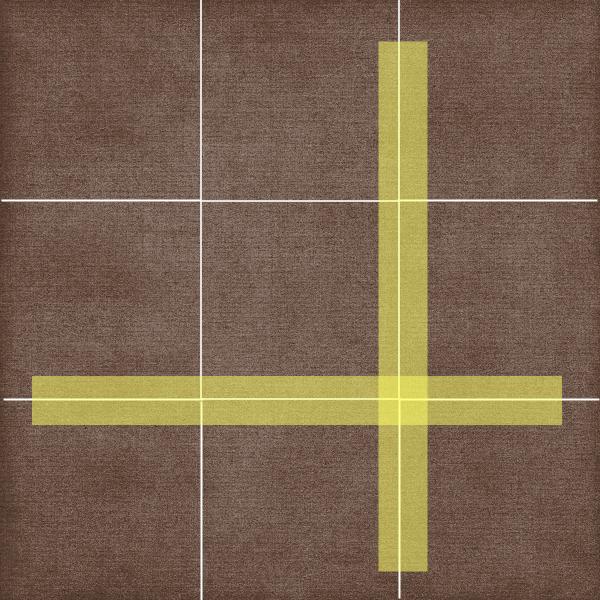
Rule of Thirds

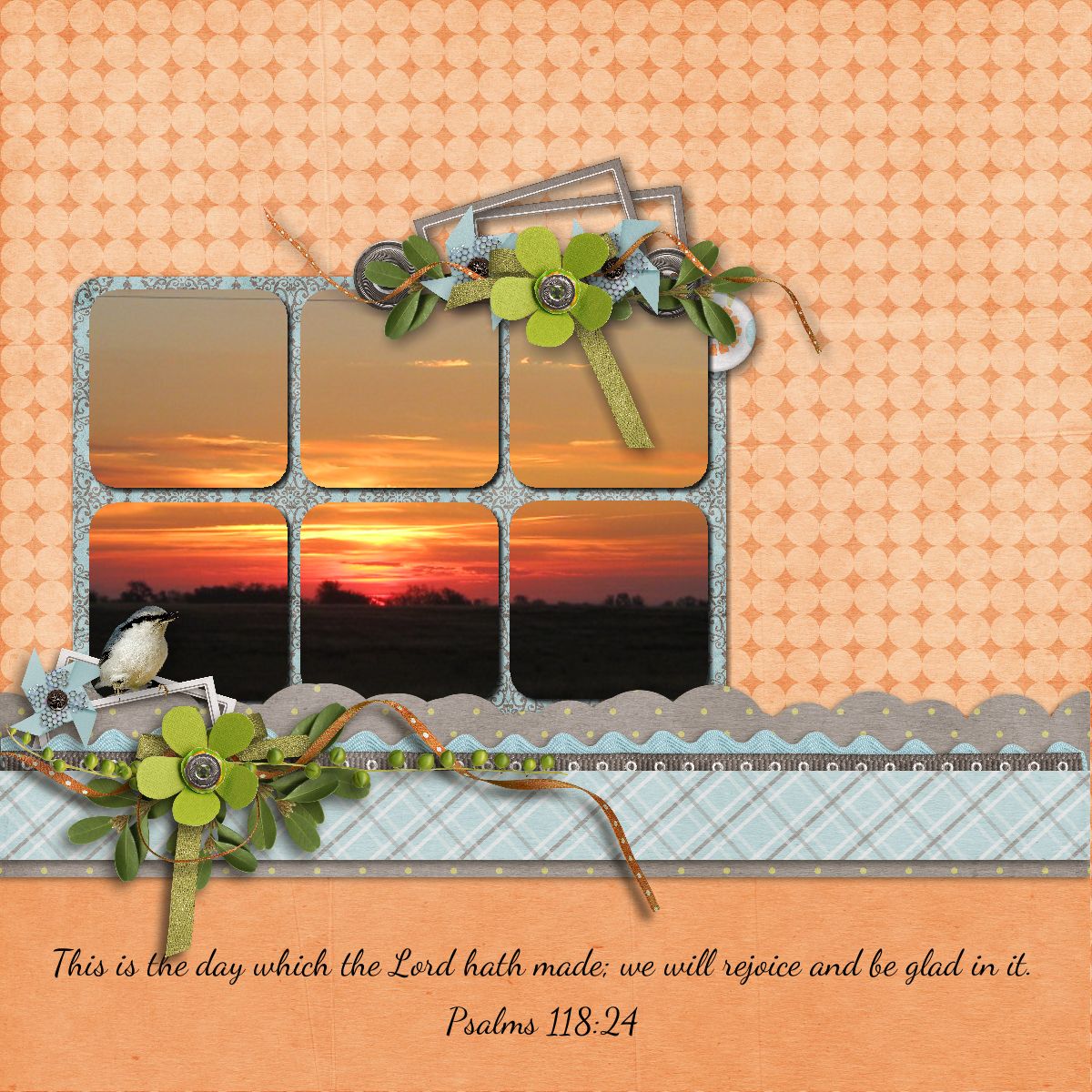
If you were taking a picture of a landscape you might place the horizon along the lower horizontal line.  This will result in a more interesting composition than if you placed it smack dab in the middle of the page.  In the layout below you’ll notice this principle is used twice.  In the sunrise photo the horizon is placed on the imagined lower third and the photo as the focal point is centered vertically on the left third and the blue/grey elements & base of the photo are in the lower third.
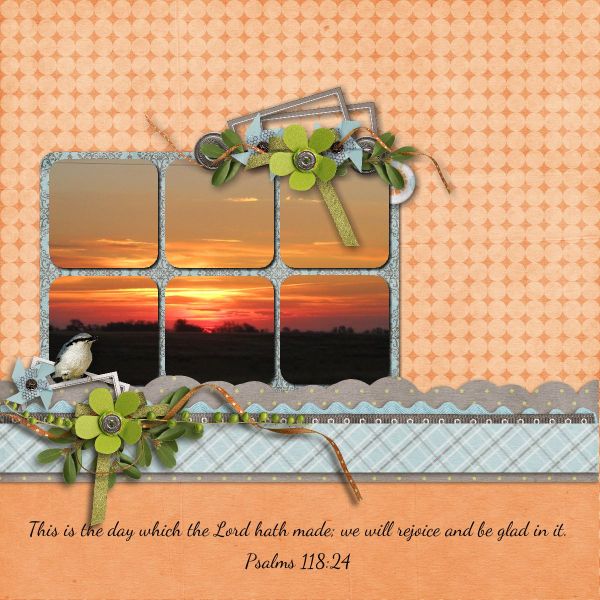
Sunrise

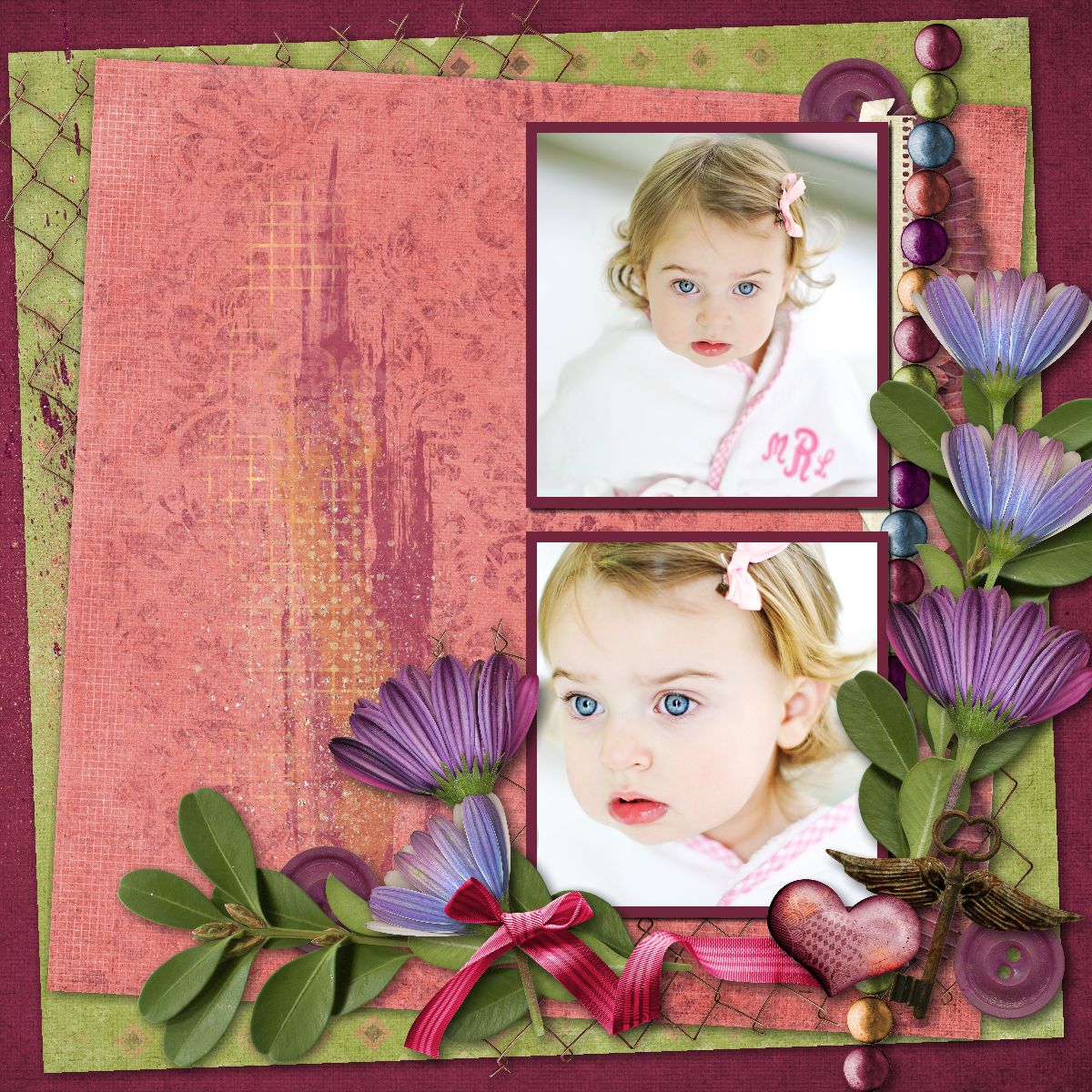
The next two layouts use the rule of thirds again.  In addition, you may notice I cluster elements in a way to maximize flow.  I want to lead your eyes around the page while drawing attention to the focal point.  More about that in a future article.
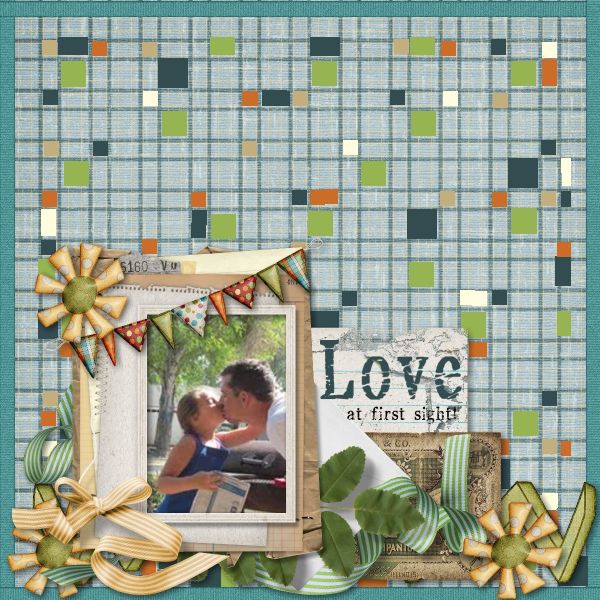
Love  Bathing Beauty

Credits: Thirds layout made in Memory Mixer using Kimeric Kreations/Denim & Lace.

The remaining layouts made in MyMemories Suite

Sunrise layout using MMS Designer/Spring It On

Love layout Kimeric Kreations/Take Note

Bathing Beauty layout Kimeric Kreations/Summer Sunset

Photographer Linda Blackwell
A New Tutorial is Now Up!

Are you currently using MyMemories Suite to make you digital scrapbooks?  Are you interested in trying new things?  If you’re not already using it maybe you’re interested in seeing some of the things you can do!  I have a new tutorial I just completed about Making a Layout with Diagonal Papers using a Sketch.  You can find it here.

New Venture!

I’m learning a new scrapbooking program.  Well it’s not a new program but it’s new to me!  I have friends that use Memory Mixer so I just had to give it a try.  In some ways it’s very similar to the program I’ve been using but in other ways it’s quite different.  This is the second page I’ve made with the new software so you can see it’s very easy to install and jump right in.  I’ll be practicing and getting to know the ins and outs so I can get some tutorials out soon.  Also keep your eyes open for some special offers right here for those of you that would like to give Memory Mixer a go.

Bottle Baby w/Memory Mixer

Credits:  Kit: Bella Grace by Just So Scrappy.  Font: Forte.

There's More to Photo-Tiling Than Just Photos

I just posted a tutorial for a new feature of My Memories Suite v4.  It’s my favorite new feature and I’ve used it a lot.  I also like to do color-blocking in layouts and it finally occurred to me that I could probably use the photo tiling for color blocking as well.  After all there is technically no difference between a photo or a background paper.  So I’ve done a tutorial to show you how to do it too.  Please let me know if you find it beneficial.  You can also let me know if you have any questions.  Either way I hope to hear from you.  Click here to check out the tutorial.

I’ve also written a review of this feature at DigiScrappingDivas.com.  If you’d like to read my brief review you’ll find it here.  Happy Scrapping!

Split Backgrounds

I love splitting background papers for a different look.  I guess since I use it quite frequently it’s not really different for me.  I’ve included an example below.  If you’d like to read the entire blog post you can find it here.   The kit is Etc. By Danyale’s Christmas Magic.

DigiScrappingChallenges-078